Review Competitor Research and Confirm the Product Plan
After the product scope is clear, the Agent usually reviews two to four direct competitors or adjacent products before preparing the product plan. The goal is not to copy an interface, but to answer three questions:
- Which product patterns do users already understand?
- What does each existing product do well or poorly?
- What should your App retain, simplify, or use as a differentiator?
The Agent may skip live research and explain its reasoning when an App is clearly private or offline, you explicitly request no online research, or reliable online results are unavailable.
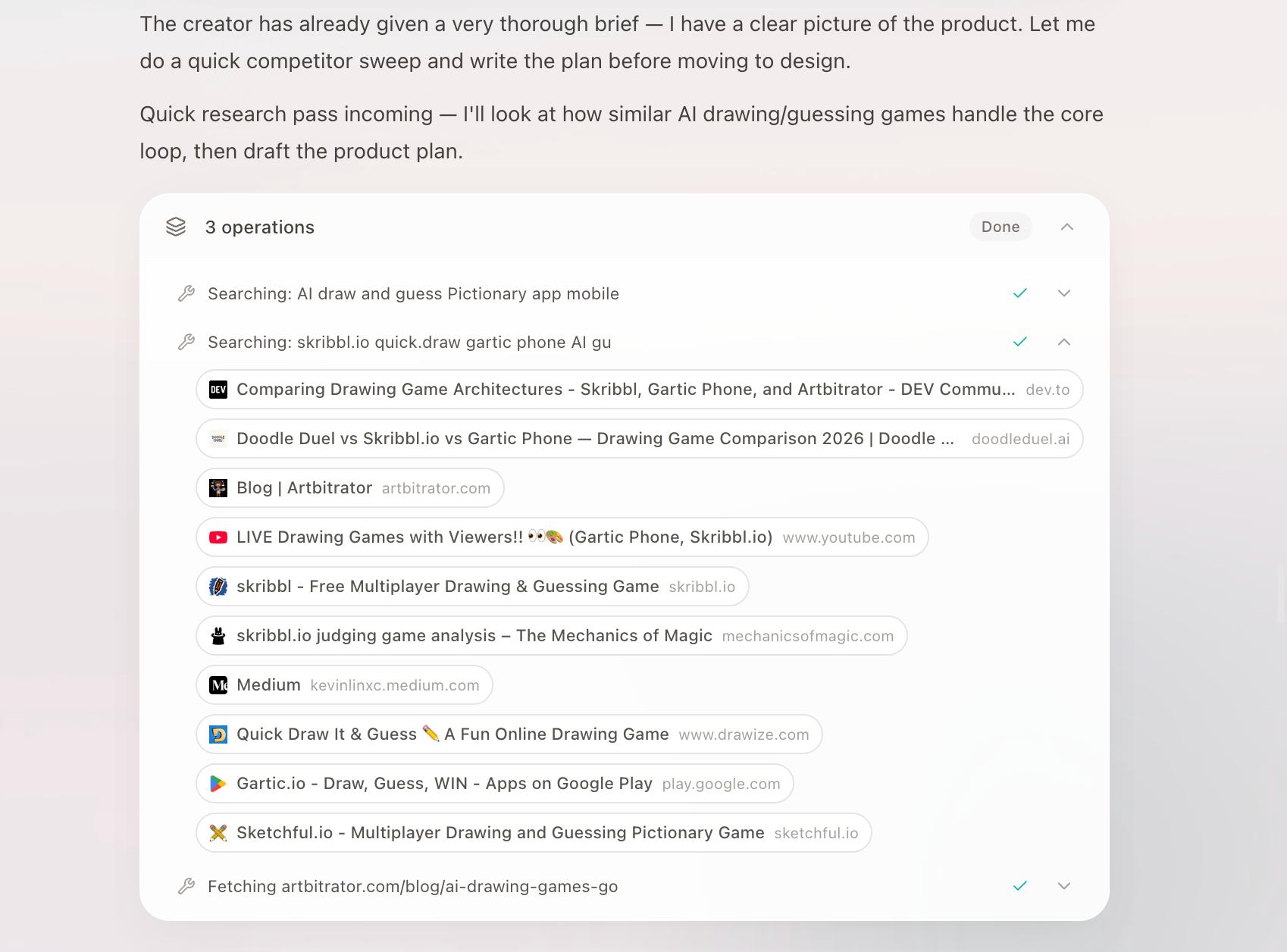
The Agent reviews two to four competitors or adjacent products and identifies useful patterns and mistakes to avoid.
Review the product plan
After research, the product plan is saved in the Project's Docs. This is the App's product requirements document (PRD), used before design and development to confirm what to build, who it is for, and where the first version ends. Its structure adapts to the App and usually includes:
- Product positioning and target users;
- Competitor findings, including patterns to adopt or avoid;
- Key pages and user flows;
- First-version scope, testing priorities, and required assumptions.
The document confirms what to build and why. It does not lock in a technical stack or detailed implementation steps at this stage.
Open the plan in the Project's Docs to review its complete contents. Before confirming, check whether:
- The product solves the problem you actually care about;
- The core flow is complete without unnecessary complexity;
- Competitor findings have become real product tradeoffs;
- Requirements for sign-in, saved data, file uploads, community sharing, payments, reminders, App AI, or Eazo AI access to App content are missing. See Add Eazo built-in capabilities to your App for details.
If the plan looks right, use the confirmation prompt below it to continue generating designs. To revise it, choose the option to adjust the plan and describe the change. The Agent updates the document and asks for confirmation again.
The complete plan is saved in the Project's Docs. A new Chat in the same Project does not automatically receive the full transcript from other Chats, but it can read this plan as shared context. When the product scope changes substantially, ask the Agent to update the plan too.