Credits
Credits are Eazo's AI usage unit for two situations: during creation, when the Creator Agent processes requests and generates or modifies an App; and while an App runs, when visitors call an Eazo official AI model you enabled as App AI.
Review balance and activity
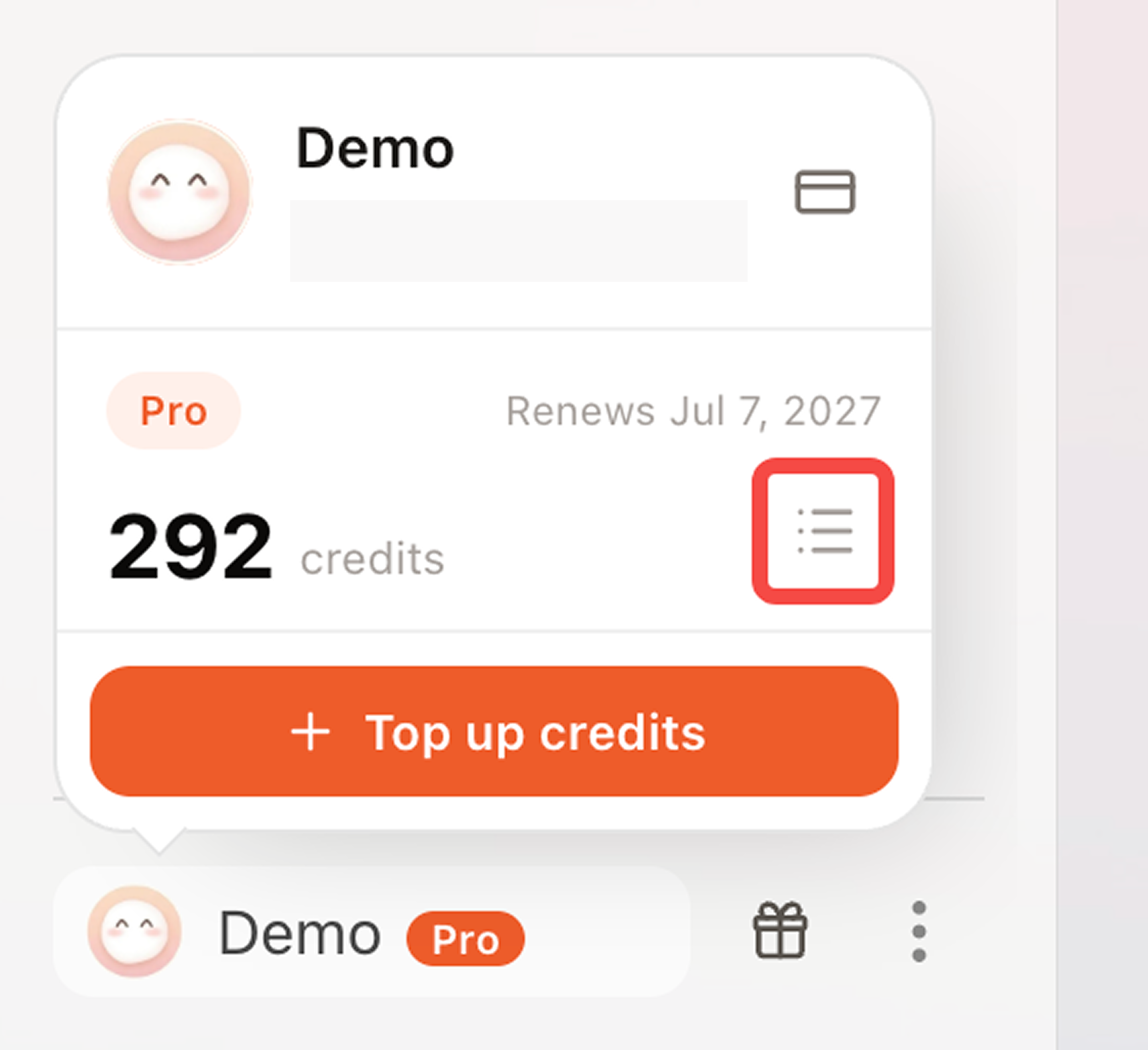
Open More > Settings > Credits to review:
- Available balance;
- Plan, purchased, and promotional Credits;
- Credits received and consumed;
- Creator usage and App AI usage;
- Balances approaching expiration.
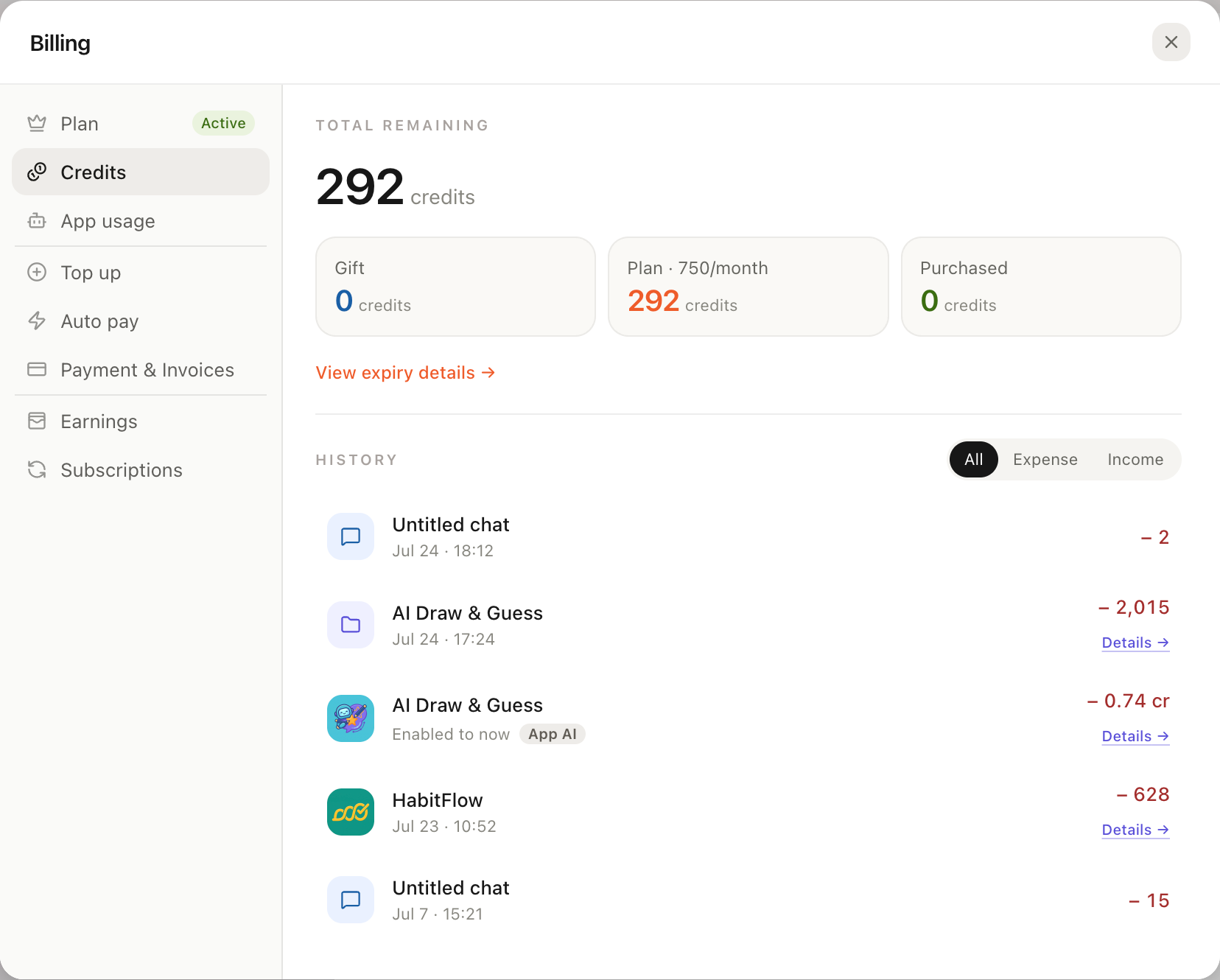
Credits in Settings shows available balance, balance sources, activity, and upcoming expiration.
Expiration and consumption order
Plan Credits reset every billing period and do not roll over. Purchased Credits are valid for 12 months from purchase and are consumed in expiration order. Invitation and promotion rewards use the validity shown when claimed.
Insufficient balance
When balance is insufficient, new paid tasks pause or cannot begin. App AI using Eazo official models also pauses new calls. After adding balance, App AI that remained enabled resumes automatically.
Before purchasing Credits, check whether the current plan supports top-ups. Free users are directed to choose a top-up-compatible plan. Follow Settings for the current packages and exchange amounts.
One-time top-up
Open More > Settings > Top up and choose an available Credits package and payment method. Select a package or enter a custom amount; larger amounts receive a larger discount.
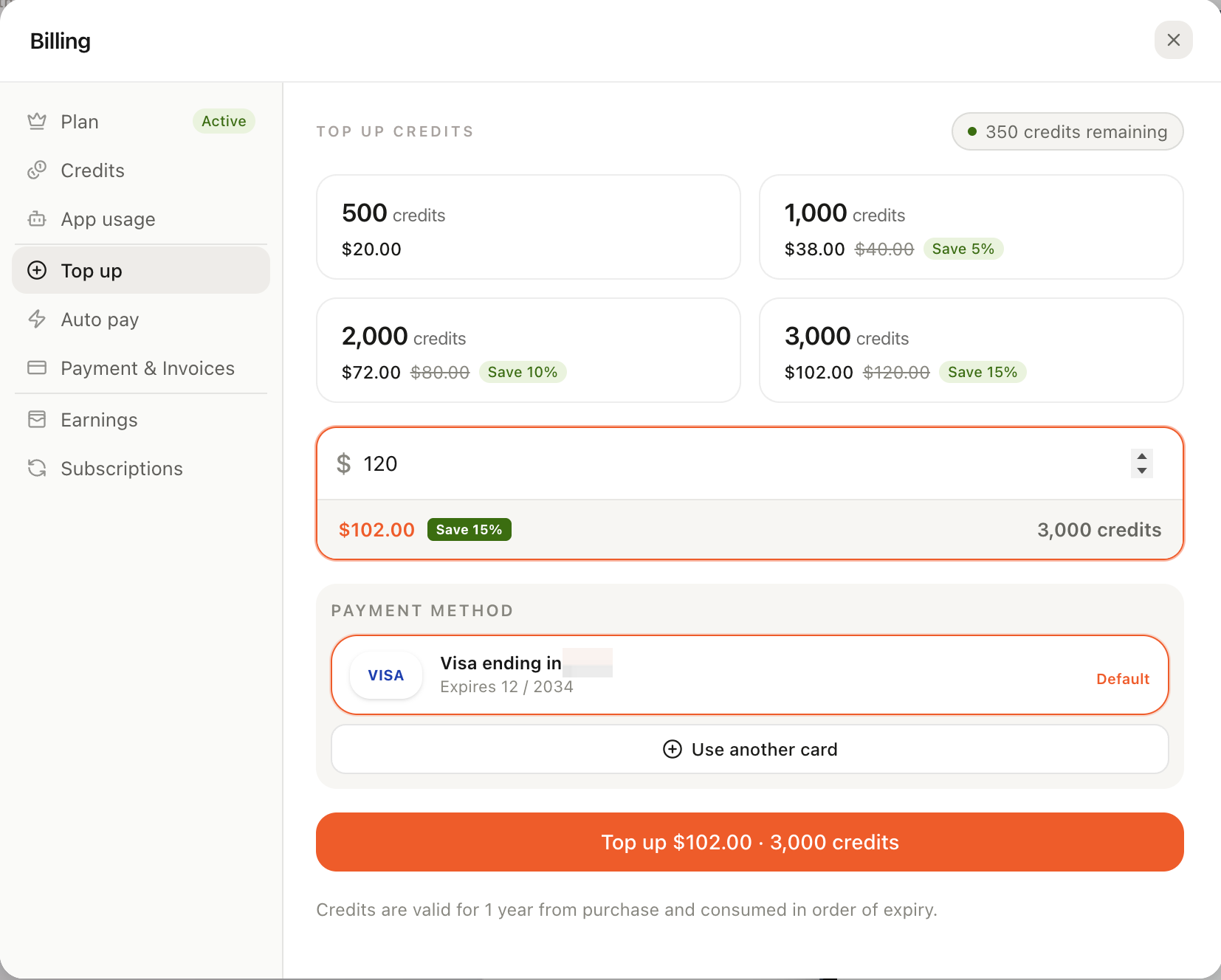
Choose a preset Credits package or custom amount. Larger top-ups receive a larger discount.
Automatic top-up
Automatic top-up requires a supported paid plan and a default credit card:
- Add and select a card under More > Settings > Payment & Invoices;
- Open Auto pay in Settings;
- Set the balance threshold and top-up amount;
- Save and enable it.
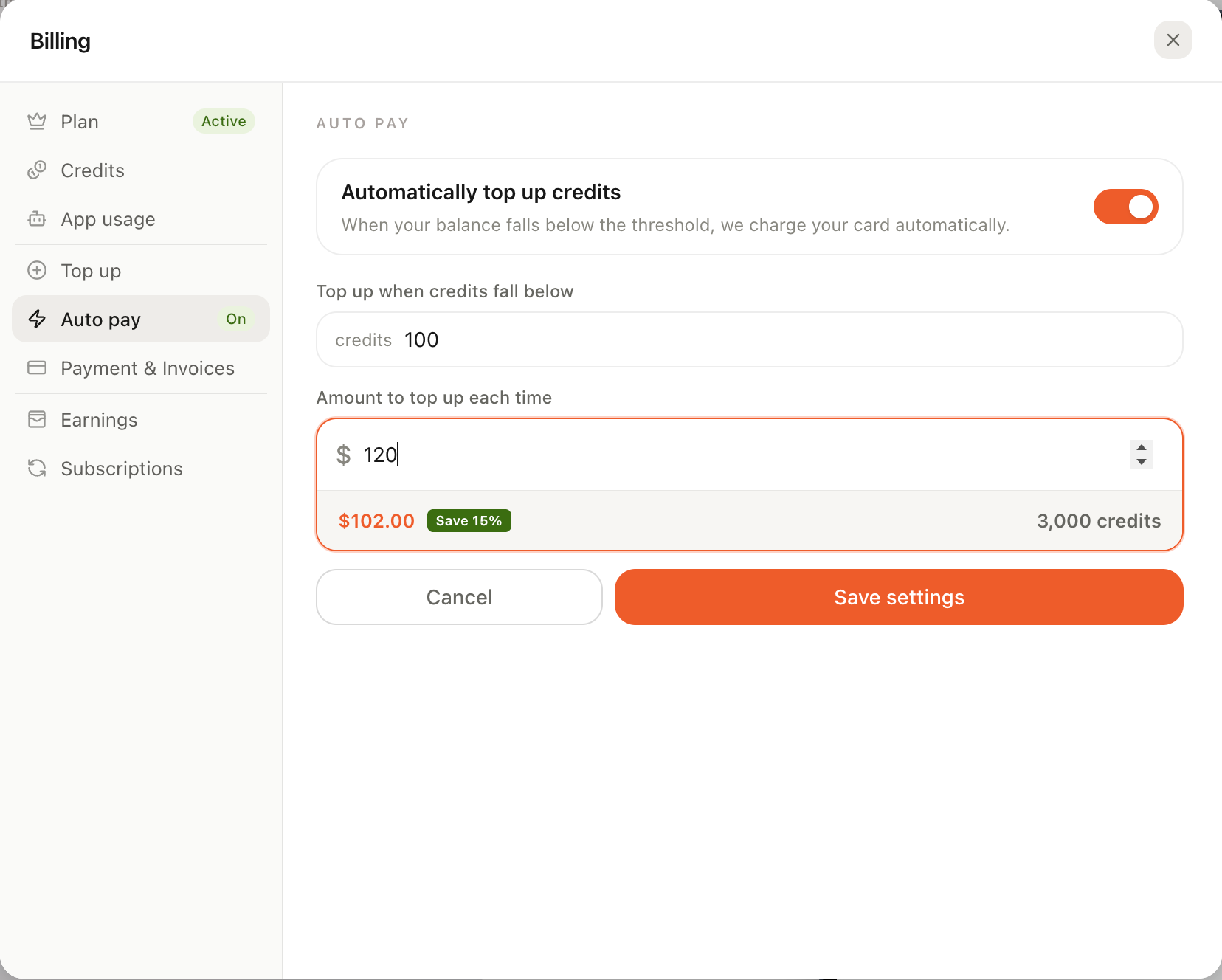
Set a balance threshold and top-up amount so the default card is charged below the threshold.
When balance falls below the threshold, Eazo attempts to charge the default card. Edit or disable this at any time. If a charge fails, check the default card and expiration date, then retry or change the payment method.