Connect Third-Party Services and Manage Environment Variables
When an App needs Notion, Airtable, Gemini, a payment service, or another external API, the Agent may pause the build and display a configuration card.
Follow the card:
- Review the service and its purpose;
- Open the linked official documentation;
- Create the required credential in the provider's console;
- Enter the value in the dedicated configuration card;
- Save and continue the build.
When a third-party service needs a credential, the Agent pauses and displays an environment-variable configuration card.
An environment variable has a name and value, such as NOTION_API_KEY. It lets server-side App code read configuration securely and should never be placed in browser code or an ordinary Chat message.
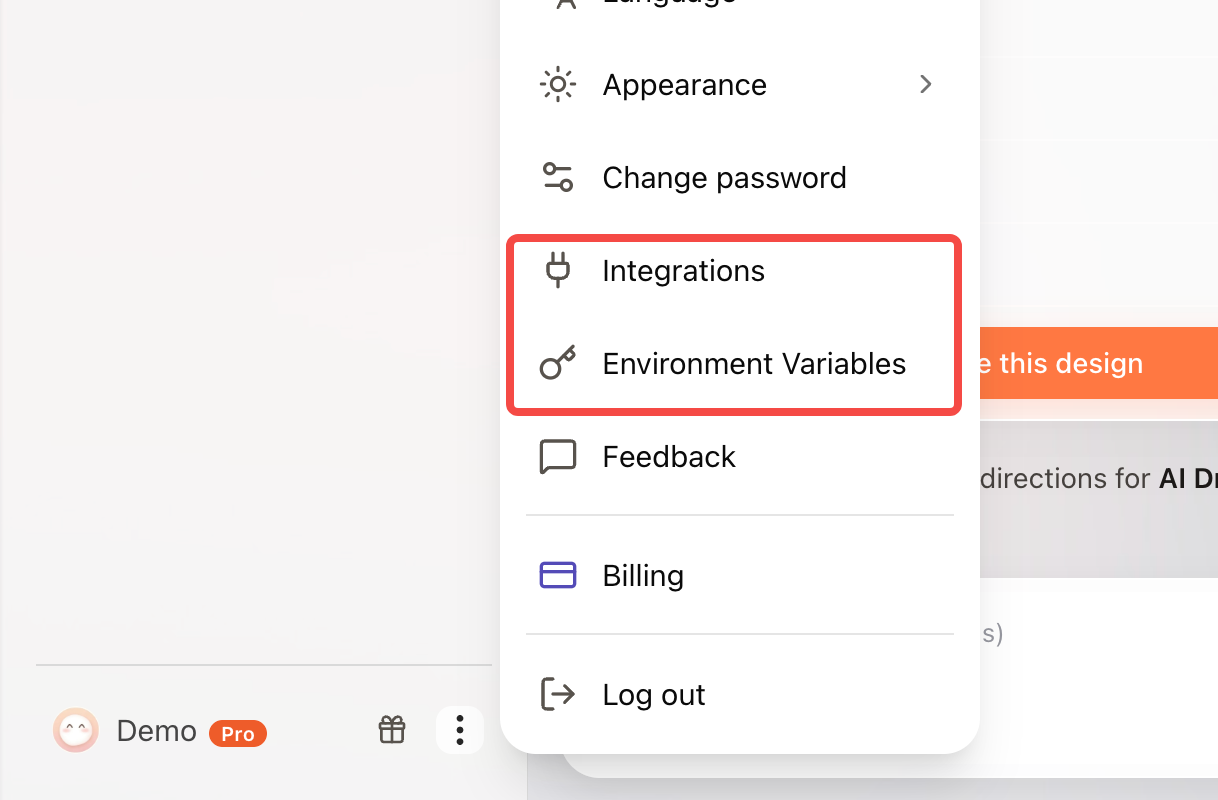
To review or replace existing configuration, open Environment Variables from the account menu. Add, edit, or delete variables; names use uppercase letters, numbers, and underscores. After a change, ask the Agent to restart or rebuild the related feature and complete one real call.
Deleting or replacing a variable may immediately affect Apps that depend on it. When a production App uses the same configuration, confirm the impact before changing it and test again afterward.