Payment Methods, Invoices, and Refunds
Manage payment methods, view paid invoices, request refunds, or report unexpected charges under More > Settings > Payment & Invoices. For one-time and automatic Credits top-ups, see Credits above.
Payment methods and invoices
Add cards, choose a default card, remove unused cards, and view paid invoices. Each invoice lists what the charge was for, such as Pro membership, auto top-up, or manual top-up. Download opens the corresponding invoice in the browser. If the browser blocks it, allow the pop-up and try again.
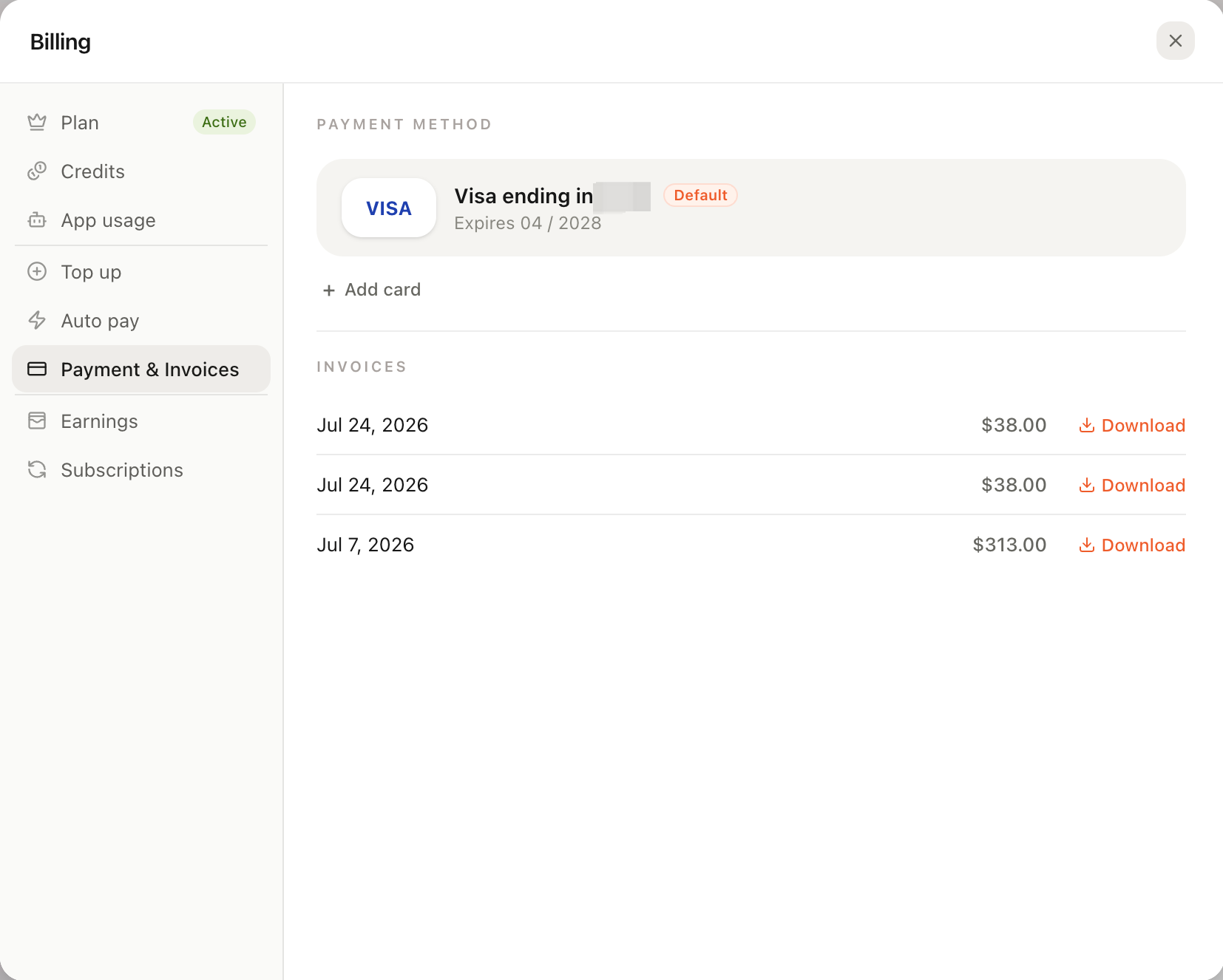
Manage cards, select a default card, see what each paid invoice was for, and download invoices from Payment & Invoices.
Refunds and unexpected charges
There is currently no general self-service refund button. To request a refund or resolve a duplicate charge, contact Eazo support with the account, order or invoice number, payment time, and an explanation. Eligibility and results follow the applicable rules and support response.