Discover Inspiration, Save Favorites, and Reuse Design Styles
The creation home page presents design styles and Apps for inspiration. Enlarge a preview before deciding how to use it:
- Click Choose this style on a design style to attach it as a visual reference for a new creation or current message;
- Choose Explore to generate similar, bolder, warmer, simpler, or other related directions;
- Choose Favorite to save a style for later in Favorite designs;
- Choose Use this app as a reference to attach a featured App to the composer;
- Start a Remix directly when the App allows it.
When referencing an App, explain whether you want its functionality, information structure, or interaction. Do not assume everything should be copied:
Use this App's task grouping and completion states, but adapt it for travel planning and use my saved design style.
Save a design direction you like to Favorite designs. A favorite preserves visual inspiration for reuse in other Apps. It does not copy the source App's text, data, or business functionality.
Two common ways to use a saved style are:
- Open Favorite designs from the creation composer, select a style, and send it with your message;
- Review Favorite designs on the Design page and use one in a new direction or explore related directions.
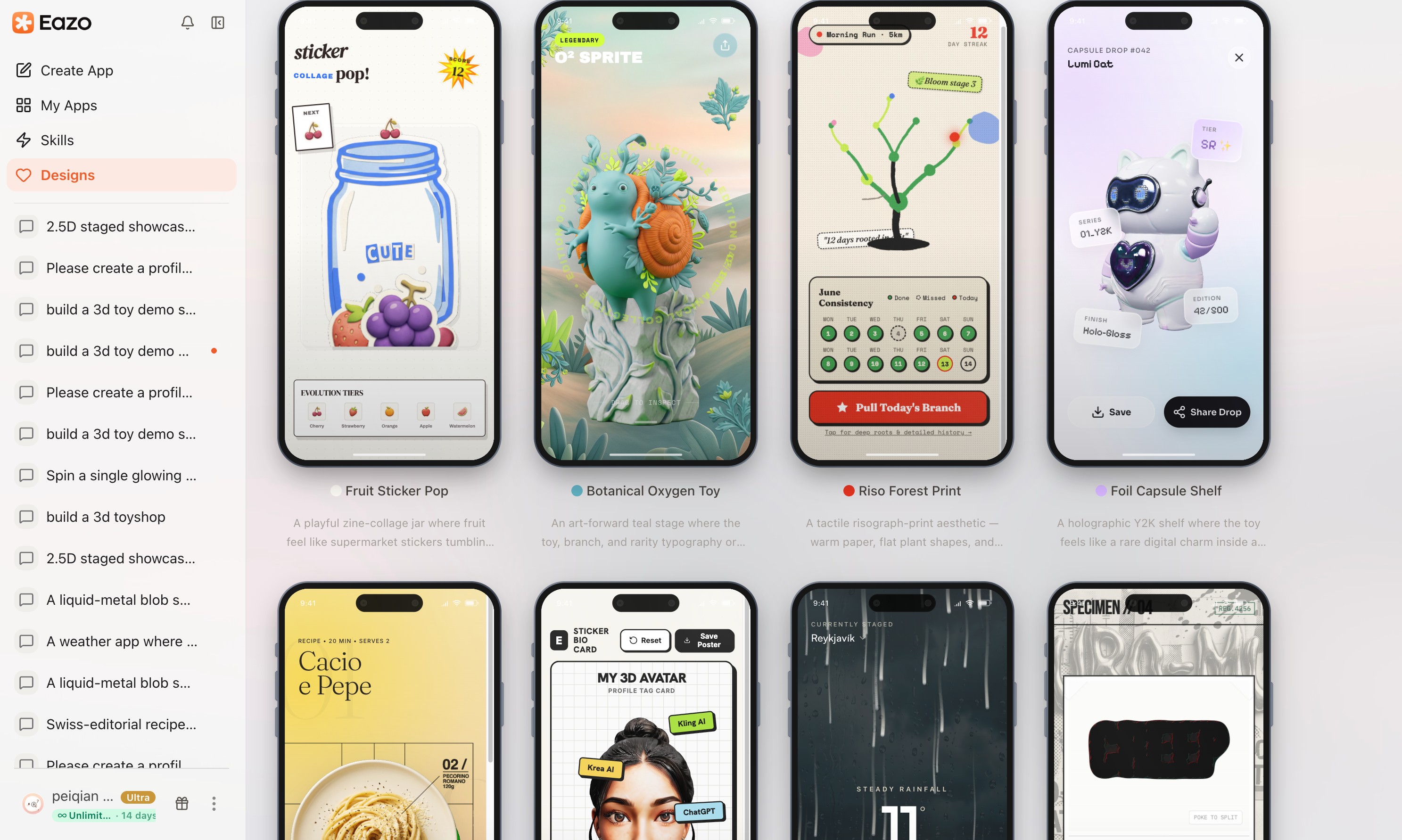
Manage saved styles in Favorite designs, send them with a message, or reuse them from Design.
After attaching a style, still explain its purpose:
Use this style's colors, typography, and whitespace for the mobile home page of my course-booking App. Do not copy the reference's content structure.
Choose Unfavorite when a saved style is no longer needed. Removing it does not change Apps already generated with that style.