Using Eazo for the First Time
Platforms: iOS and Android
Time required: about 3 minutes
Last updated: August 11, 2026
For your first visit, try the shortest complete experience: discover an App, open it, and interact with it once.
Steps
- Sign in to the Eazo App.
- Open Explore from the bottom navigation.
- Choose an App that interests you in For You.
- Open the work and complete one interaction.
- If you like it, you can like, share, or Remix it.
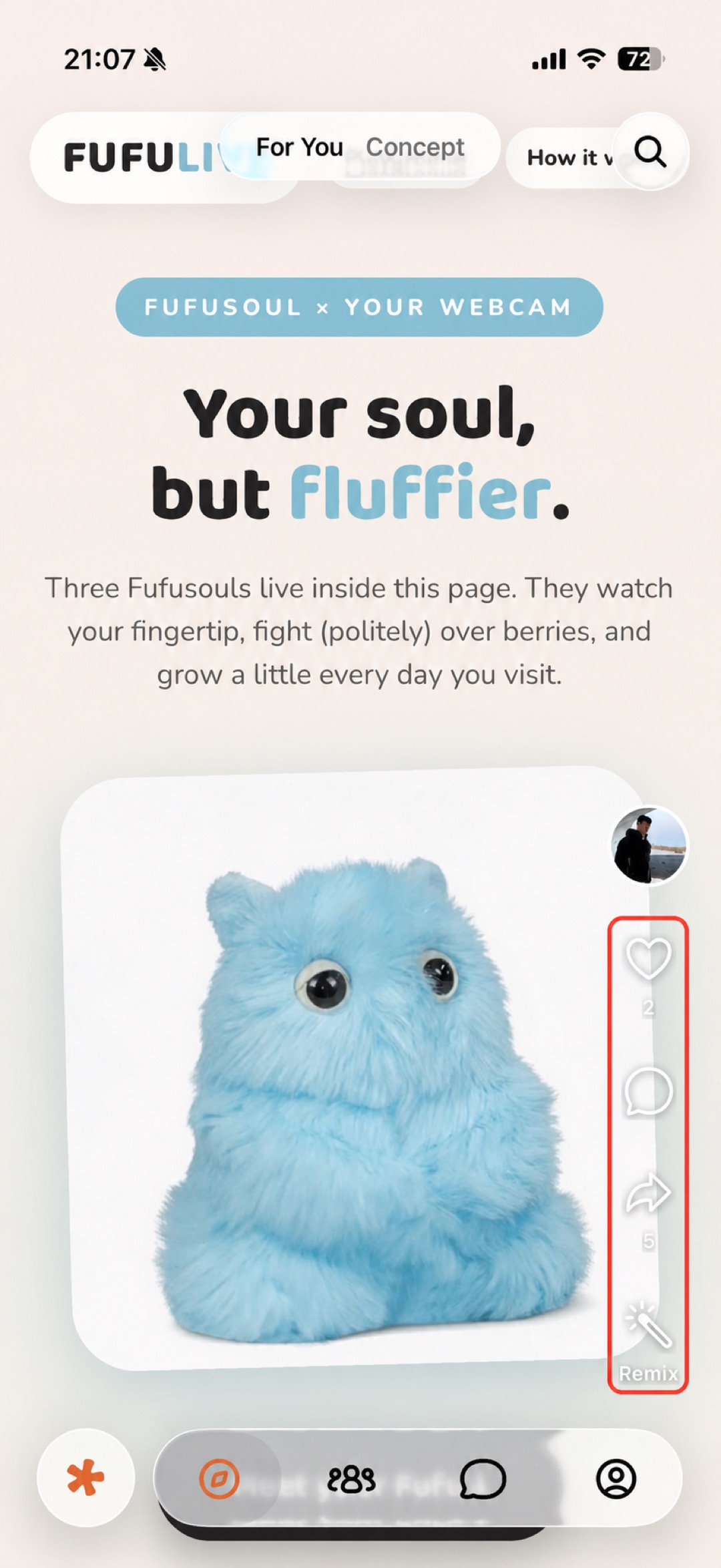
Figure 1: Browse Apps you can open and interact with in Explore → For You.
Some works open directly into an interactive interface. Each App can have different controls and permission requirements, so follow the instructions shown on its page.
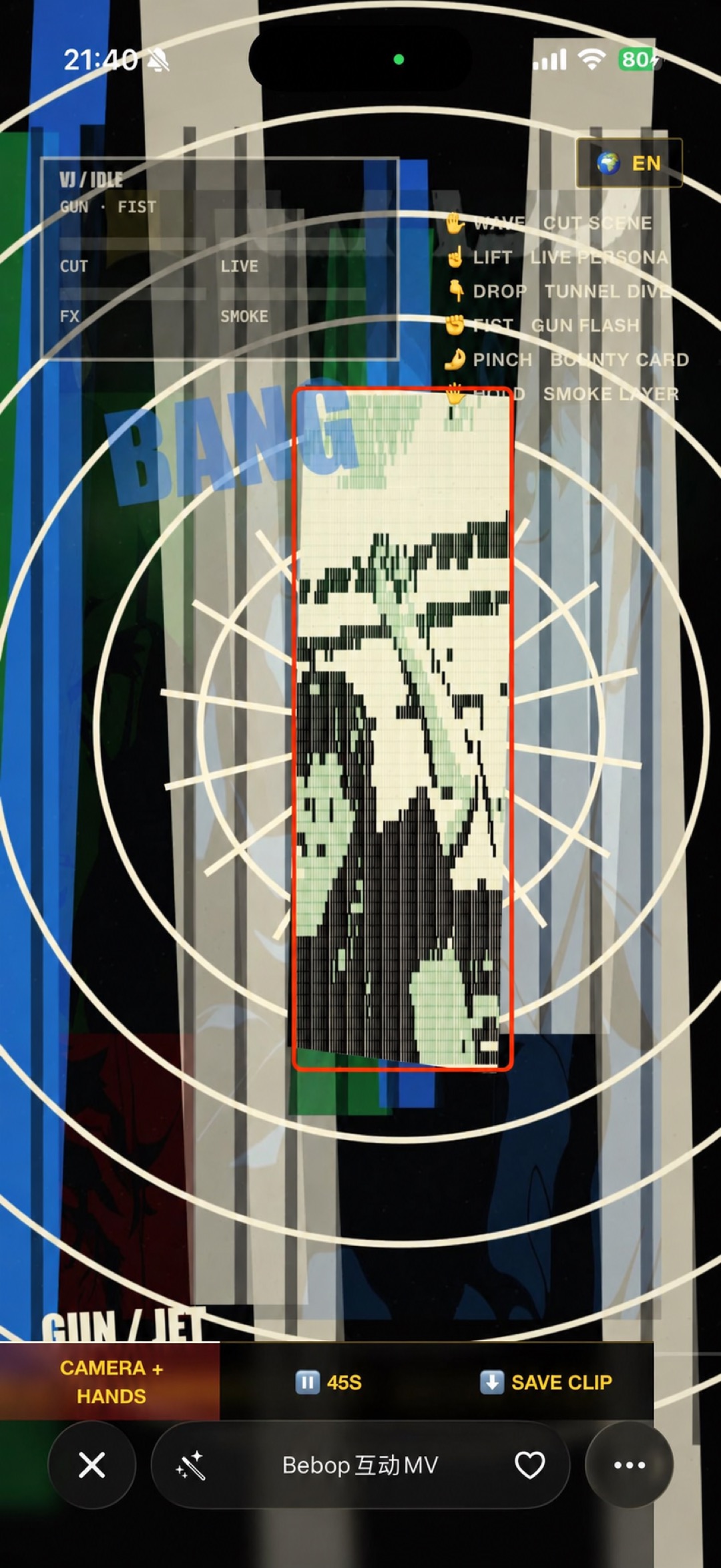
Figure 2: After opening an App, interact with it using its own interface.
Next