Send Messages
Platforms: iOS and Android
Last updated: August 11, 2026
Use Messages to view existing conversations or send text, images, and Apps to other users.
Send a direct message
- Open Messages from the bottom navigation.
- Open a conversation or start a new one.
- Enter your message.
- Check the recipient and content.
- Tap Send.
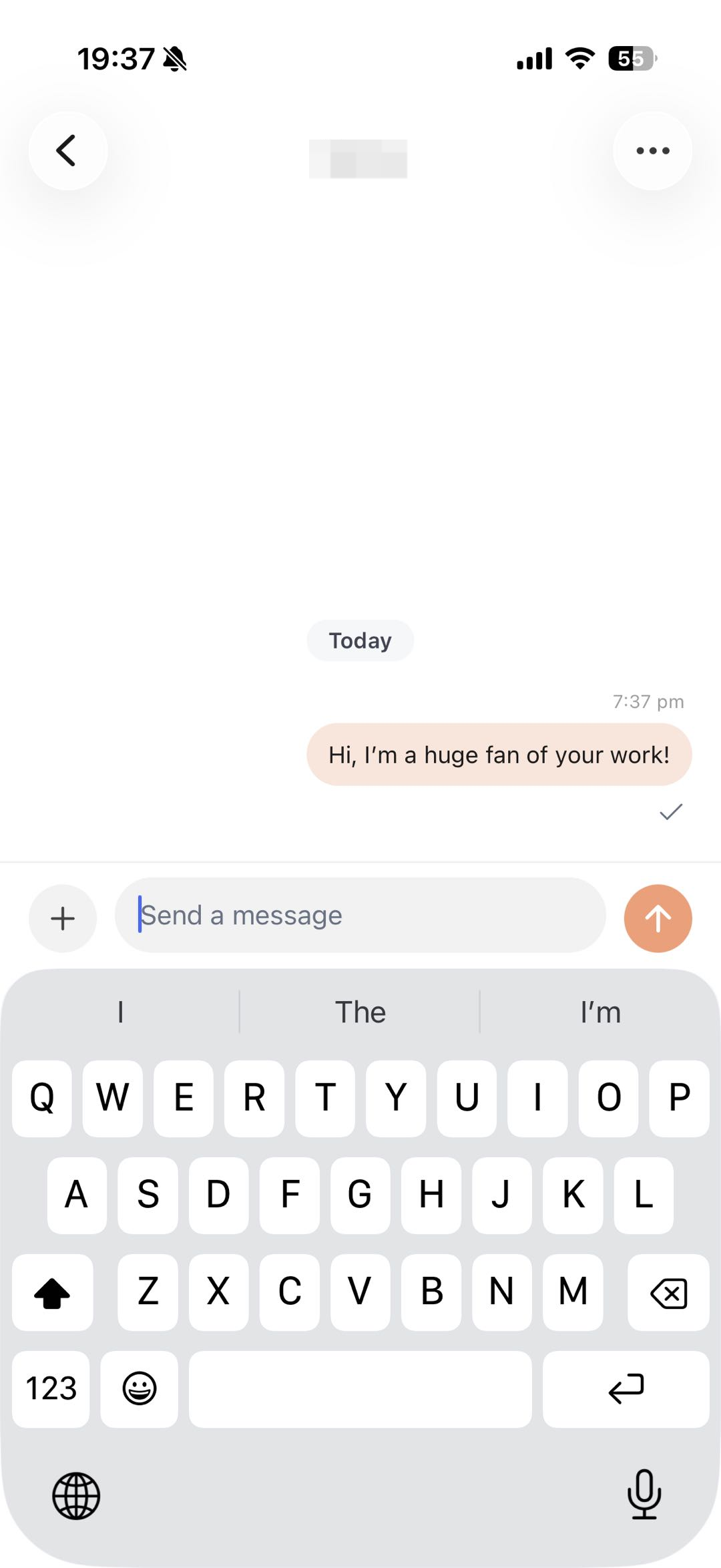
Figure 1: Edit your message and verify the recipient before sending.
Send an App
Use the attachment or share entry in the conversation to select an App. The recipient receives an App card they can open.
Sharing an App does not automatically invite the recipient to that App’s group.
Safety
Do not send the following in a direct message:
- Passwords or verification codes.
- Complete payment-card information.
- Complete photos of identity documents.
- API keys or environment variables.
- Another person’s private information without consent.
If sending fails
See App, image, Community, and Messages issues.