Remix an App
Platforms: iOS and Android
Last updated: August 11, 2026
Remix creates a new, independent version based on existing work. It does not directly modify the original creator’s App. Not every work allows Remix.
Start a Remix
- Open the work from Explore or Community.
- Find the Remix entry.
- Review the creator, price, and any other conditions shown.
- Confirm to enter the Remix flow.
- Tell the Agent what to keep and what to change.
- Wait for the new version to finish.
- Open and test the new version yourself.
If the work has a price, use the information shown on the confirmation page.
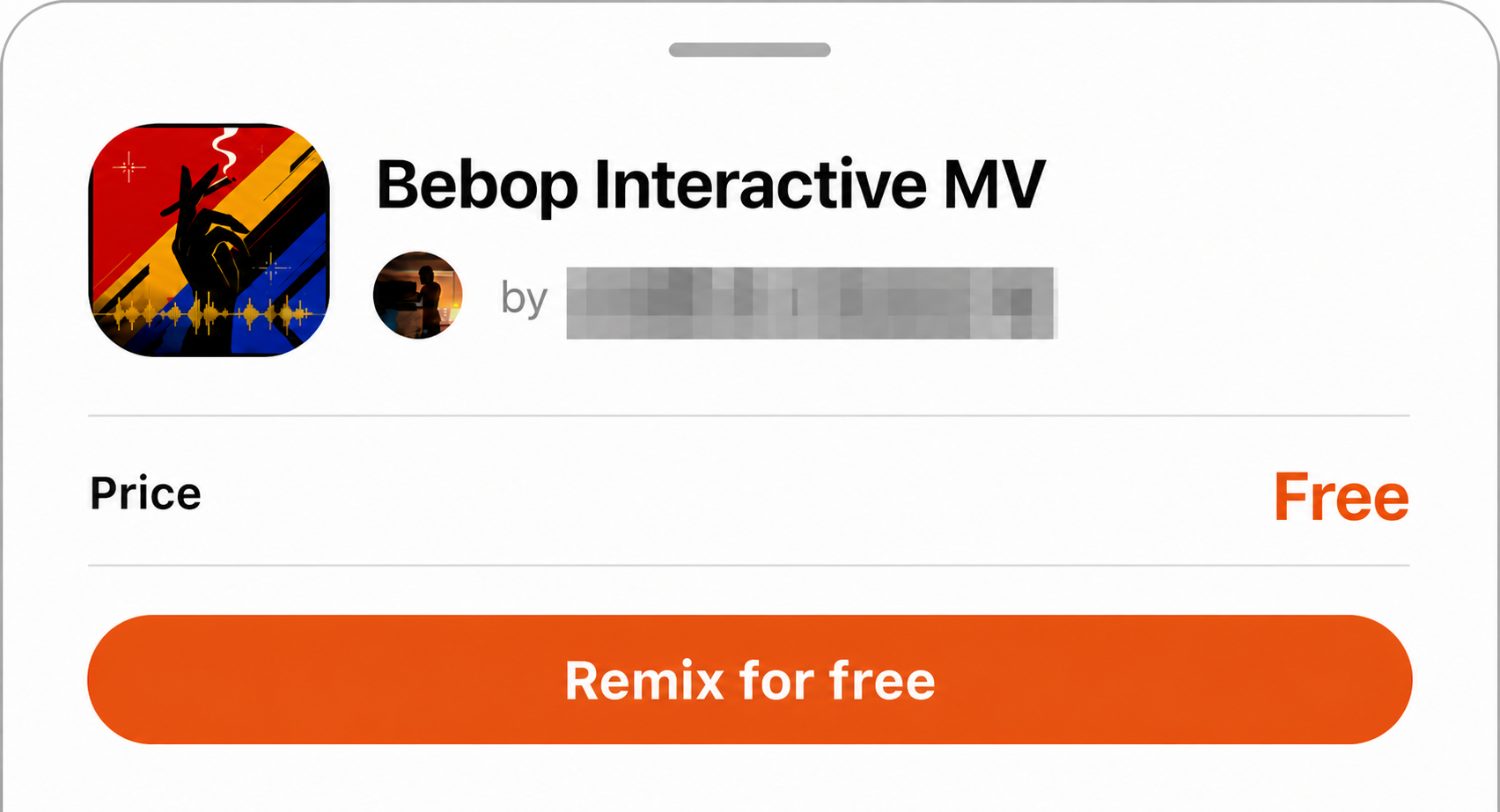
Figure 1: Before starting, check the work, creator, and current Remix terms.
Describe the new direction
- Core features to keep.
- Changes to page layout, colors, or visual style.
- Changes to the interaction flow.
- Content adapted for yourself, family, or friends.
- A different use case.
What a Remix usually does not include
- The original creator’s private data or user records.
- Passwords, API keys, environment variables, or other private credentials.
- Files or services only the original creator can access.
- Personal information submitted by users of the original App.
- Third-party capabilities not opened to Remix.
The new version may need separate configuration for sign-in, databases, storage, or third-party services.
If there is no Remix entry
- The creator did not enable Remix.
- The current work type does not support it.
- The feature is not yet available to the current account or version.