Download, Install, and Sign In
Platforms: iOS and Android
Last updated: August 11, 2026
Download Eazo
Download and install Eazo only from an official Eazo store page.
Do not install packages from websites whose source you cannot verify.
If installation fails
- Confirm that your device meets the current Eazo system requirements.
- Check that you have enough storage space.
- Use the latest official download link.
- Delete any incomplete installation, then download again.
- If it still fails, note your device model, system version, and full error message, then contact Support.
Sign in
Eazo may offer Apple, Google, email and password, or email verification-code sign-in. Available options can differ by device, region, and version.
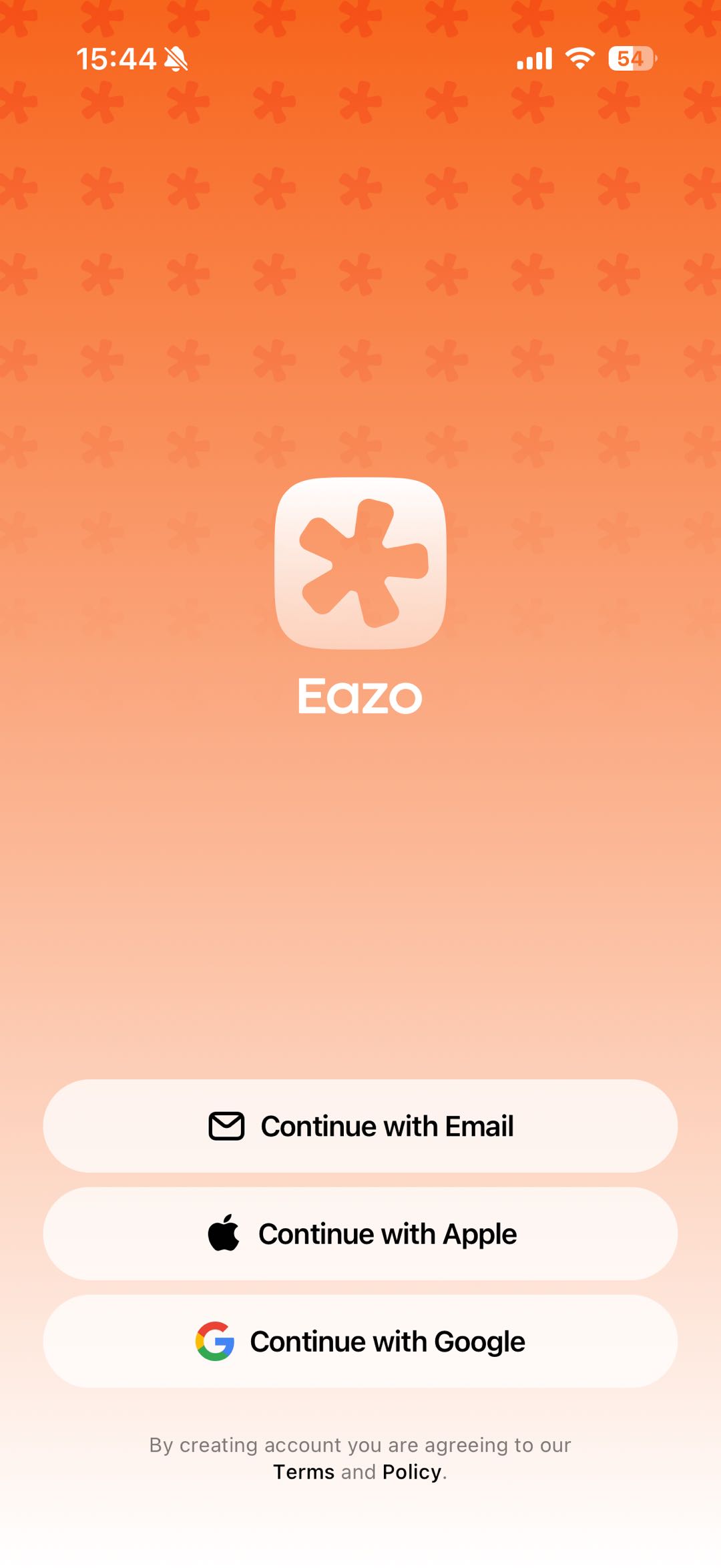
Figure 1: Choose email, Apple, or Google sign-in. Available methods can vary by device and version.
When signing in:
- Keep using the same sign-in method whenever possible.
- Different methods tied to different email addresses may open different accounts.
- Sign in with Apple may not appear on Android devices.
- Email codes can take a short time to arrive; also check your spam folder.
- Never send your password or verification code to anyone, including Eazo Support.
If you have used Eazo Web, sign in to the App with the same account to find your existing content.
Related help