Browse and Open Apps
Platforms: iOS and Android
Last updated: August 11, 2026
Browse in Explore
In Explore, switch between For You and Concept.
- For You: browse work you can open and interact with.
- Concept: browse visual directions or starting points; whether Remix is available depends on the current page.
- Search: find Apps, posts, or users.
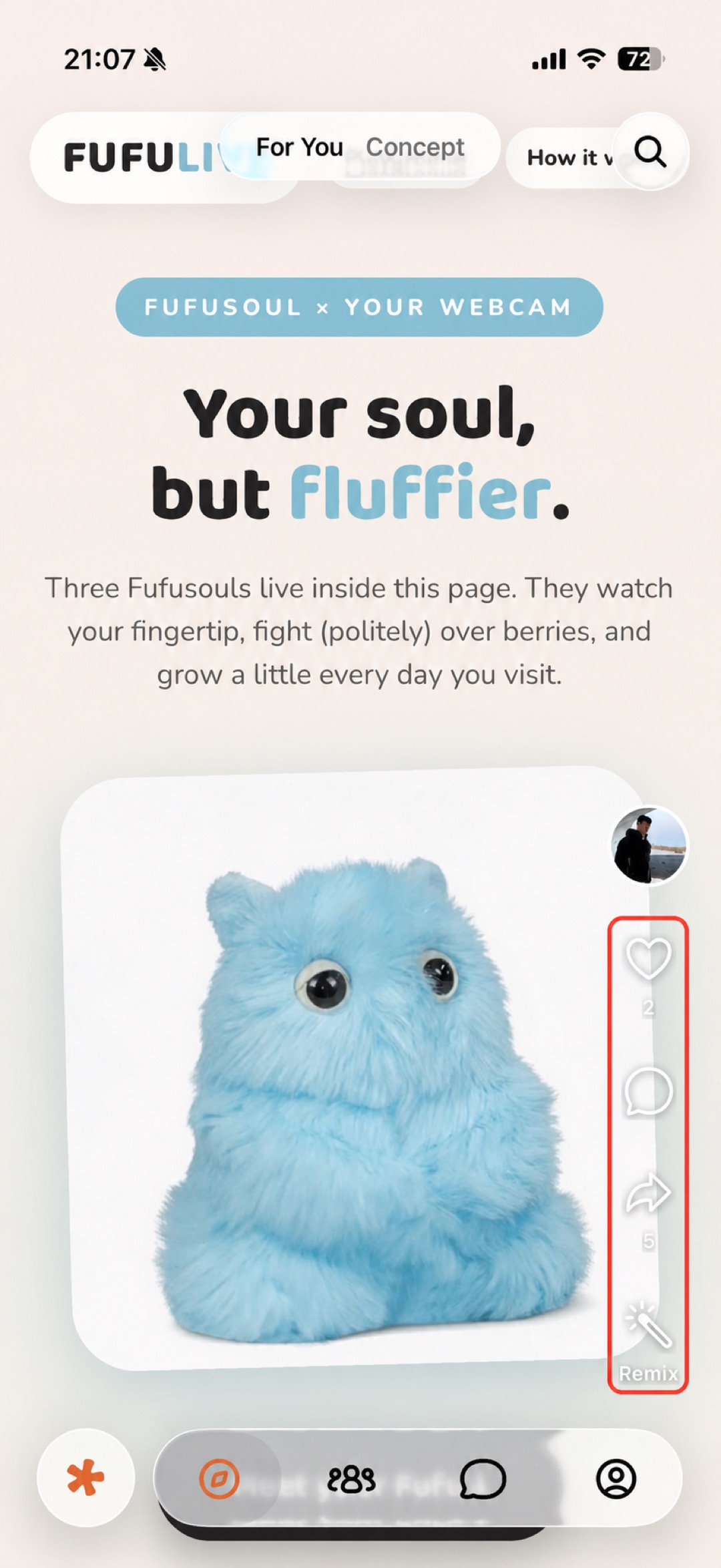 Figure 1: Swipe vertically through work in For You.
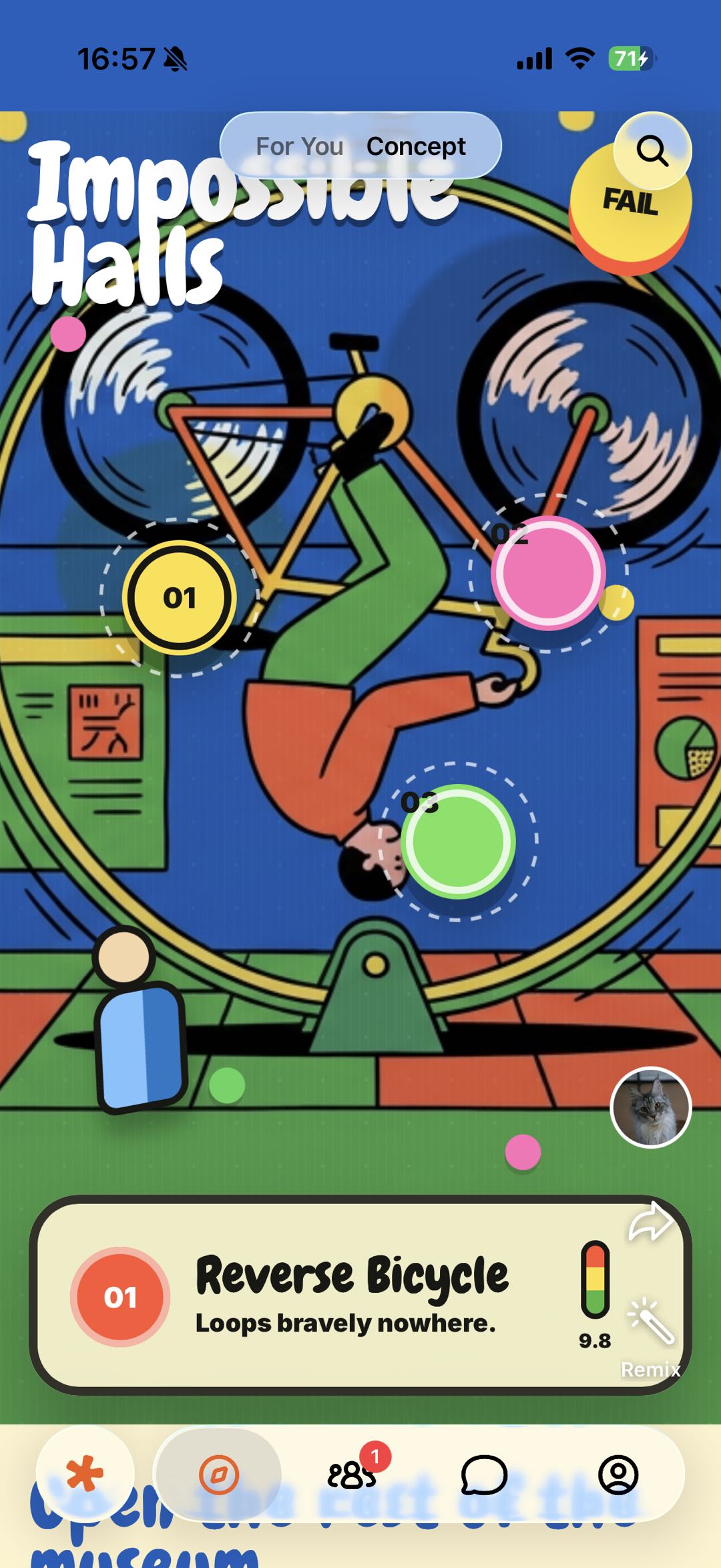 Figure 2: Switch to Concept for design directions and creative starting points.
Open an App from Community
A Community post may contain an App card. Tap Try it on the card to open the work.
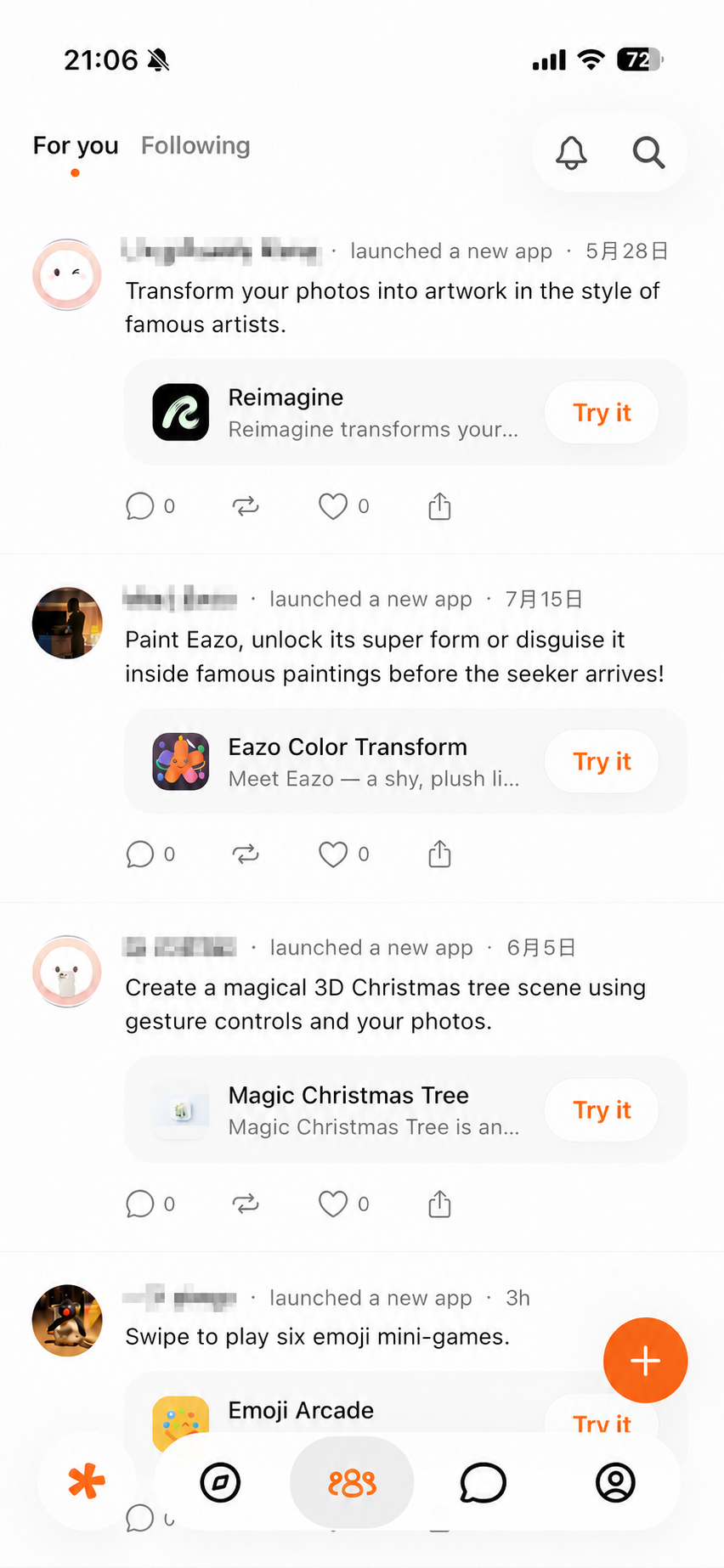
Figure 3: Tap Try it on an App card to open the work.
Other places to open an App
- An App card in Messages.
- Another user’s Profile.
- An Eazo share link.
- Profile → Apps → Mine.
- Profile → Apps → Liked.
- Profile → Apps → Recent.
If an App will not open
See App, image, Community, and Messages issues.