Post a Result Generated by an App
Platforms: iOS and Android
Availability: Apps that support result sharing
Last updated: August 11, 2026
Some Apps can turn an analysis, test, record, or creation result into a post for Community.
Start sharing
- Complete an interaction in the App and generate a result.
- Tap Share or Share result.
- Wait for Eazo to prepare content for Community.
- Review the generated text, images, and result card.
- Edit the text or remove anything you do not want to make public.
- Tap Post after confirming.
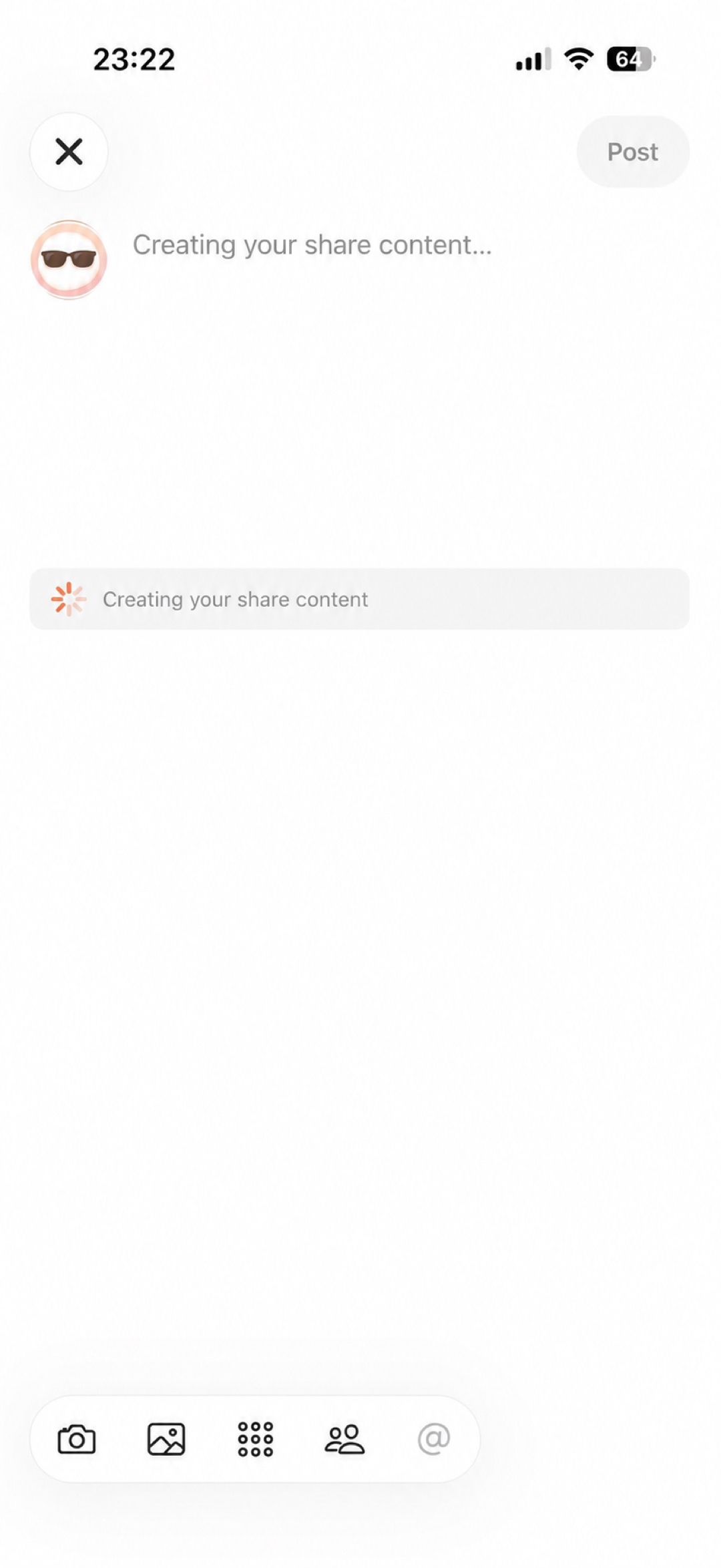 Figure 1: Eazo is preparing share content from the App result. Wait for the preview.
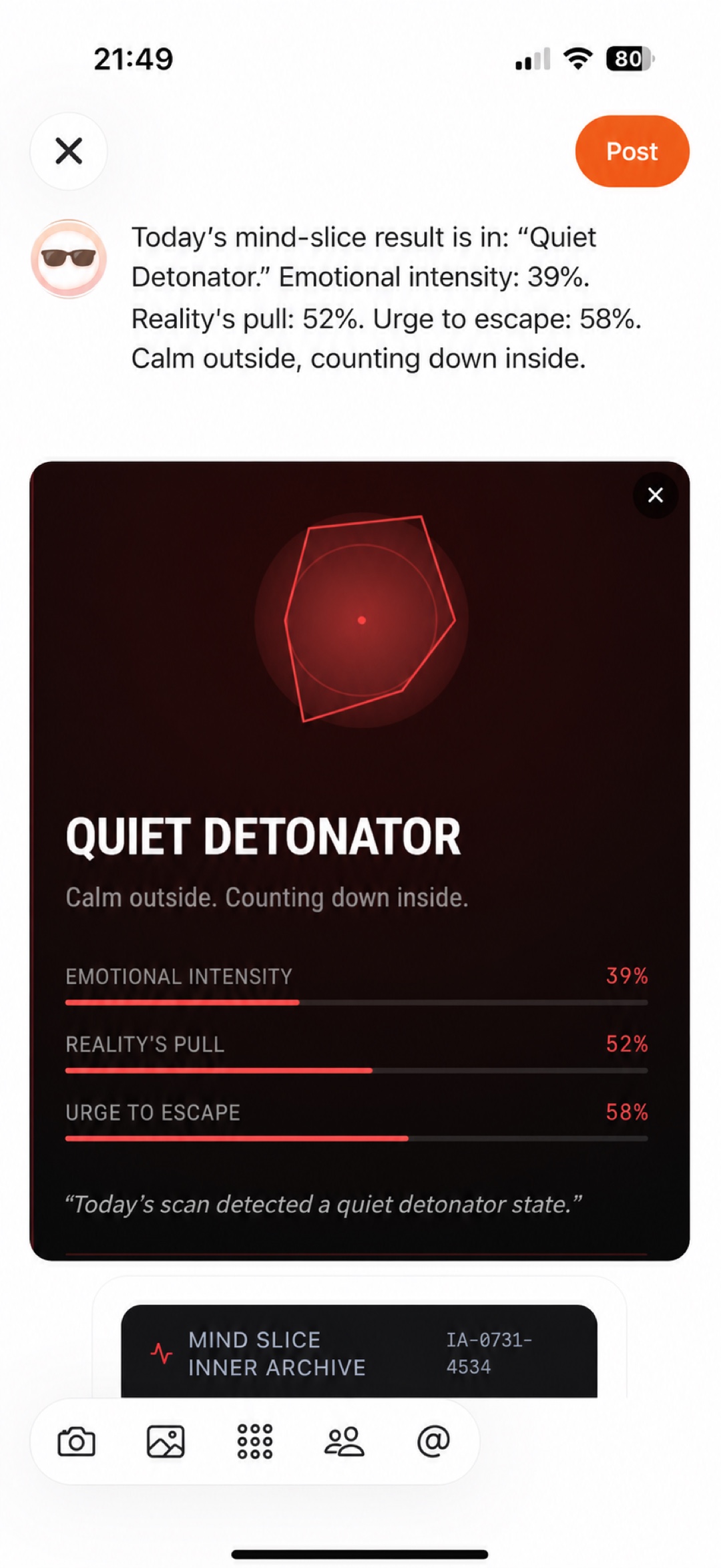 Figure 2: Check the text and result card before posting.
After posting
The post appears in Community and Profile → Posts. If the creator configured a destination for the result card, another user may reopen the corresponding page in the source App. Exact behavior depends on the card and App settings.
The system share sheet in a browser or phone is not the same as Eazo Community sharing. To create a Community post and result card, use the App’s clearly labeled Community share entry and confirm on the publish page.
Safety check
Before posting, look for:
- Names, contact details, and precise locations.
- Health, financial, or identity information.
- Chat messages and system notifications.
- App inputs or results you do not want to publish.
Generated content is never posted automatically without your confirmation.