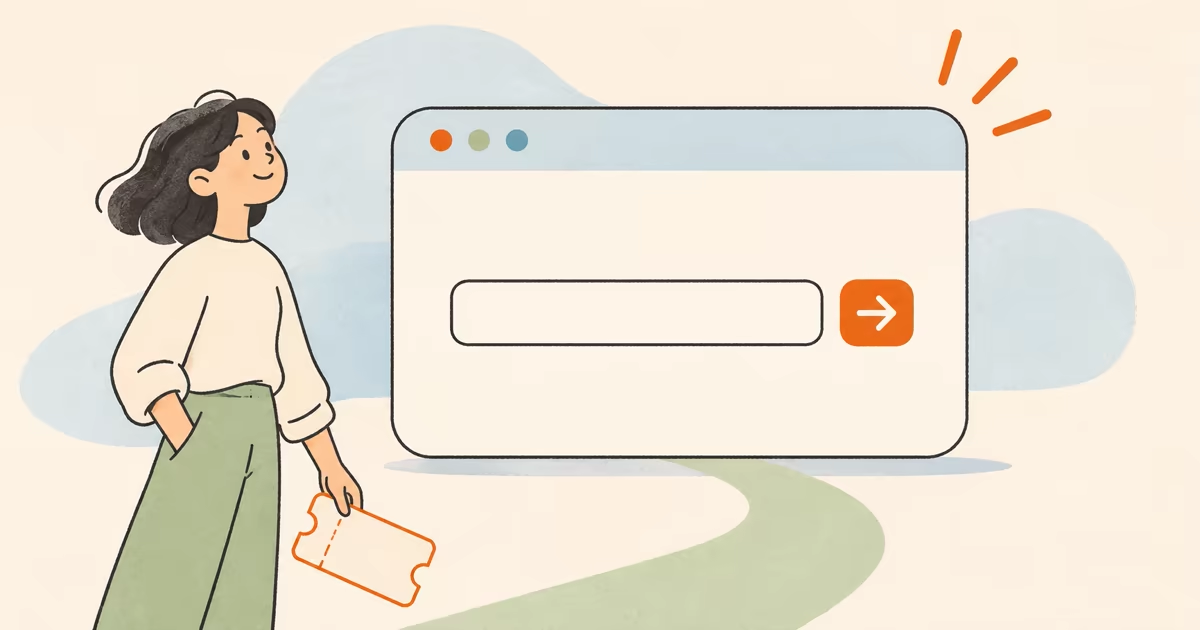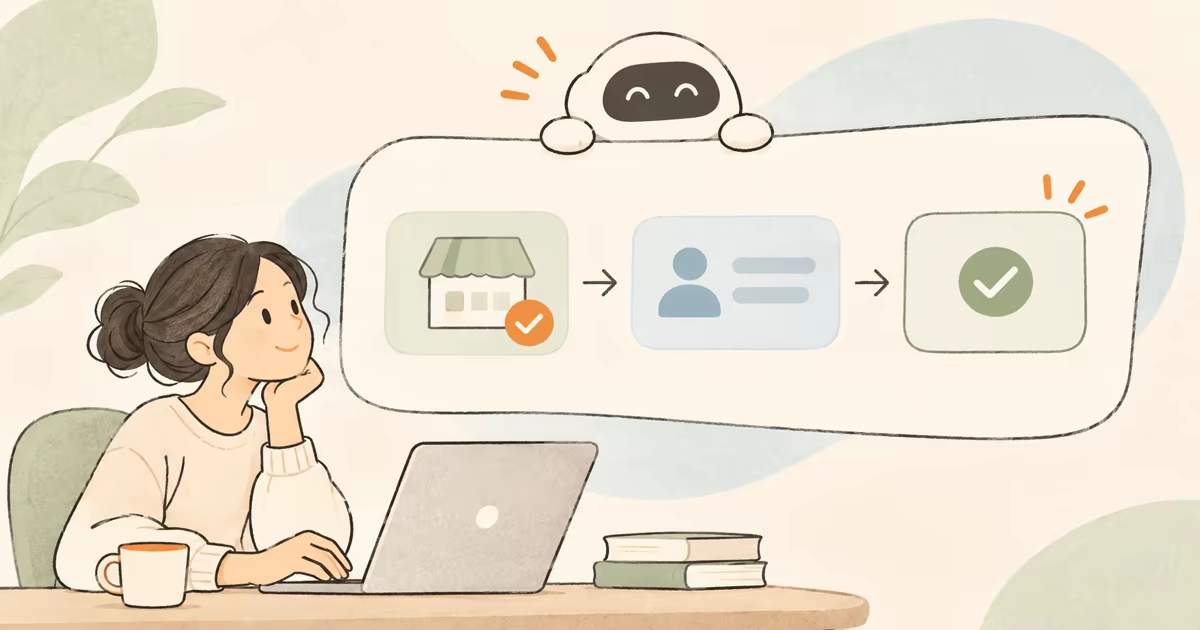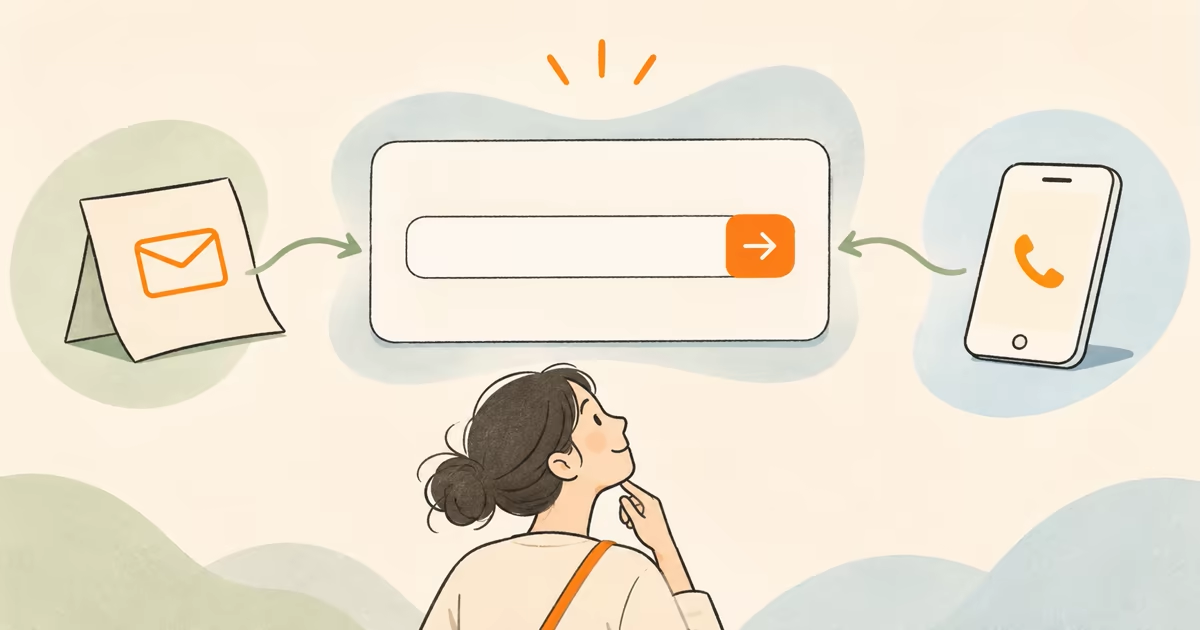
To start signing up for Muse, open muse.ai, enter your own mobile number or email, and select Continue. As checked on November 6, 2026, the public page says “Log in or create an account.” The steps after Continue can vary by account and location, so use the instructions Muse shows you rather than expecting a fixed sequence.
Muse signup steps
- Open the official Muse website or the official app listing in your local store.
- Enter an email address or mobile number you control, then select Continue.
- Complete the verification or account prompts presented to you. Check that messages are from the official service before entering a code.
- Once you have access, try a small task before connecting other services. Read the requested permissions first; Meta says you can change or remove access later.
The first public screen does not ask for a Facebook or Instagram login or an invite code. That does not rule out further account checks after Continue. Our invite-code guide explains this distinction.
Can you use email instead of a phone number?
The public web form labels its field “Mobile number or email,” so either can start the flow. It does not promise that the same verification steps apply to both methods or that either method overrides a regional restriction. Use a contact method you can access and follow the next on-screen step.
Check your country before troubleshooting
Meta has confirmed Muse in the US, Canada, Japan, Singapore, and Australia as of November 19, 2026. If you are elsewhere, check the official-source country list before repeatedly retrying signup. Reaching the form alone does not confirm eligibility.
If signup gets stuck
| What happens | A useful next step |
|---|---|
| No verification email or text arrives | Check spam or filtered messages, confirm the address or number, and retry using the prompt on the official screen. |
| Muse says your region is unsupported | Check the country information above; a different email usually will not solve a location restriction. |
| You cannot find the app | Use Muse's official web page and check the app listing in your local store. Availability can differ by market. |
| Someone says you must buy a code | Read the Muse invite code guide before giving anyone money or account details. |
No verification email or text arrives
- A useful next step
- Check spam or filtered messages, confirm the address or number, and retry using the prompt on the official screen.
Muse says your region is unsupported
- A useful next step
- Check the country information above; a different email usually will not solve a location restriction.
You cannot find the app
- A useful next step
- Use Muse's official web page and check the app listing in your local store. Availability can differ by market.
Someone says you must buy a code
- A useful next step
- Read the Muse invite code guide before giving anyone money or account details.
If you live in a supported market outside the US, how to use Muse outside the US explains what to do when the site loads but signup does not.
If Muse has not launched in your country and you need an agent now, compare Muse alternatives outside the US.
If a regional block stops your Muse signup, Eazo is developing a personal AI agent with wider access in mind. You can join the Eazo waitlist for an early access opportunity.