Remix an App into something new
Start with a community App that allows Remix. Keep the parts you like, change its design, purpose, or features, and build a new version with Eazo.
Explore community Apps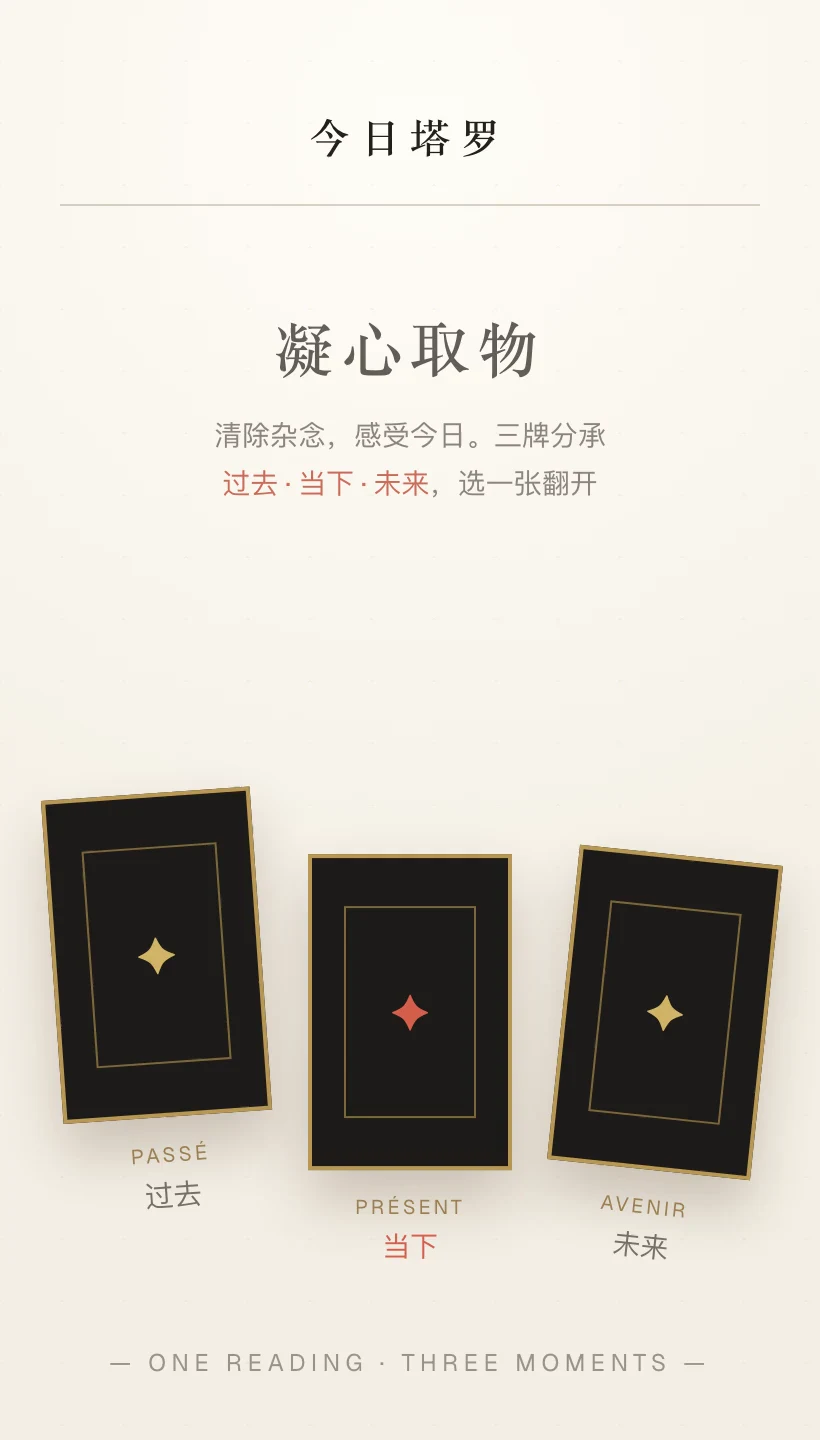
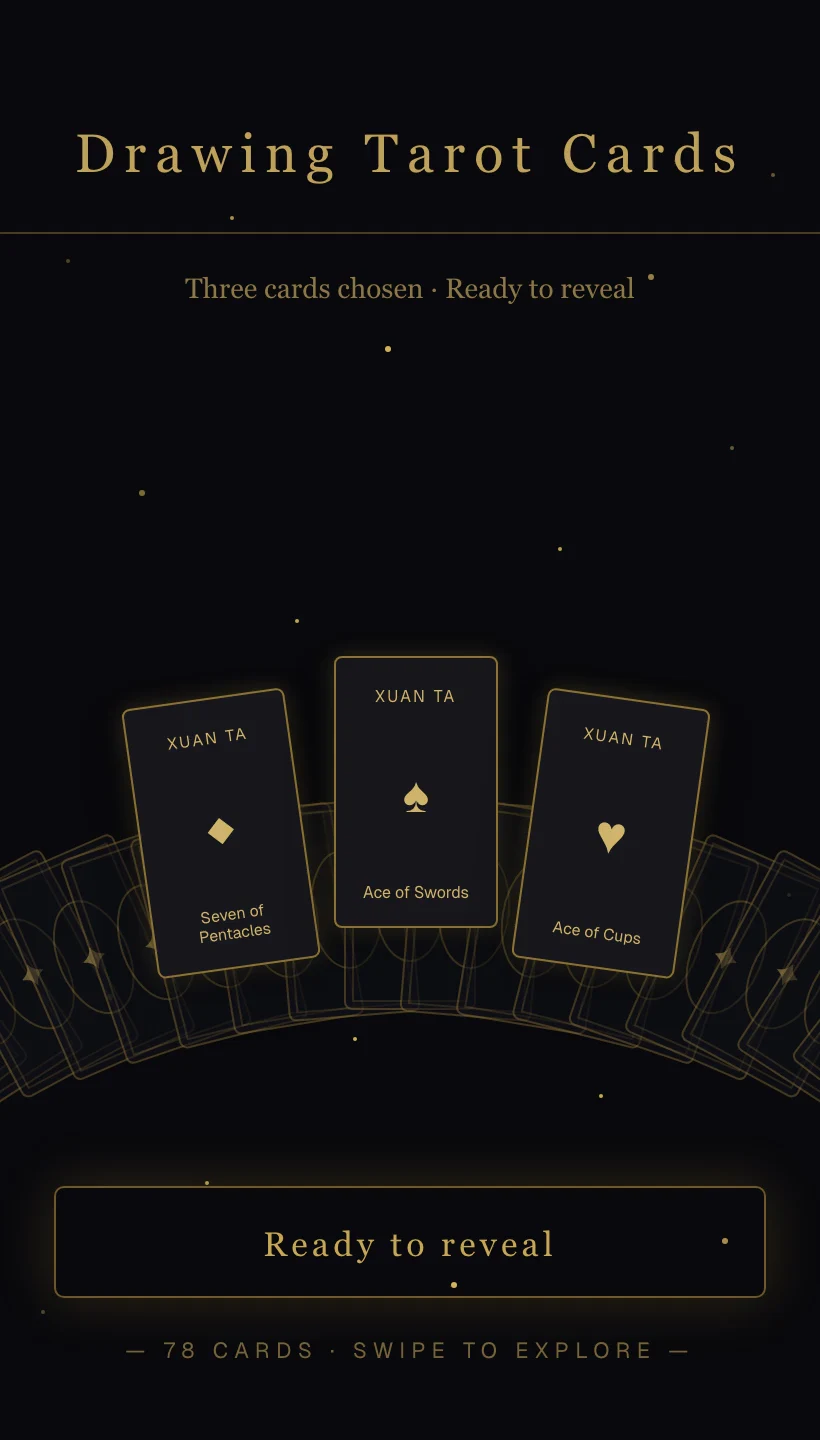
Why start from a Remixable App?
Build on an App you can already use. Find a starting point, try a new idea, and keep developing the result.

Start with a working App
Choose a community App with Remix enabled. Its pages and interactions give you a concrete starting point for a new Project.
Get a concrete reference
Explore the App’s design, flow, and interactions before you begin. Tell the Agent which parts inspired you and what you want to explore.
Try an idea quickly
Choose a suggested direction or describe your own. Once you confirm, the Agent makes the changes so you can test the idea.
Keep building independently
Your Remix opens in a separate Project. The original App stays untouched while you continue editing and publish the new version.
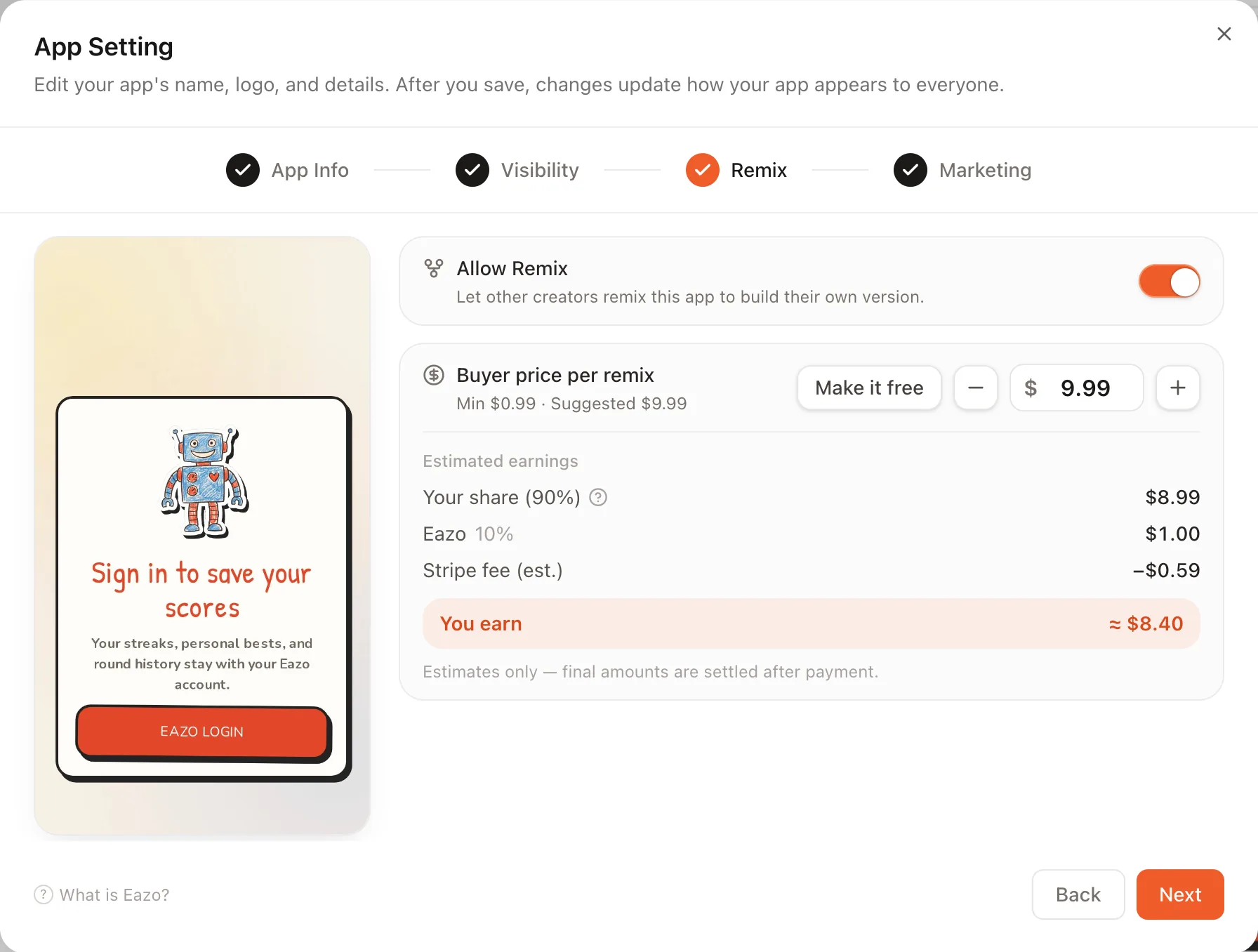
Set Remix permissions and pricing for your App.
When you publish your own App, choose whether Remix is allowed and whether other creators pay to use it as a starting point.
How to Remix an App in Eazo.
Choose a starting App, tell Eazo what you want to change, then review and refine the new version.
- 1
Choose an App
Explore community Apps and open one that has Remix enabled. Review its creator and any price shown.
- 2
Describe the direction
Tell the Agent what to keep and what to change. It waits for your confirmation before editing.
- 3
Review the new version
Open the separate Project, test the result, and keep refining the App through conversation.
Edit and publish your remixed App.
The result opens in a separate Project. The original App stays as it is, while you can keep shaping the new version.
Try the new version
Open the separate Project and see how your changes work.
Keep editing
Tell the Agent what to adjust next, then try it again.
Publish when ready
Share your new App when it is ready for others to use.
Frequently asked questions about App Remix.
Understand what is copied, what stays private, what you pay for, and what you can do with the new version.
What exactly is copied when I Remix an App?
A Remix gives you reusable source content from an eligible App and opens the result as a separate Project. Use the original experience as a starting point, then tell the Agent what you want to keep and what should change.
Will my Remix affect the original App?
No. Your version is created in a separate Project, so your edits, tests, and future deployments do not change the original creator’s App.
Are users, private data, API keys, or payment settings copied?
No. The original creator’s private data, credentials, and private environment configuration do not become yours. Set up the services and data your version needs when the Agent prompts you.
Why can some Apps be remixed while others cannot?
The original creator decides whether Remix is allowed when publishing. Browse Community Apps and look for the Remix option on an App that makes its reusable source available.
What will I pay for when I Remix an App?
Some Apps are free to Remix and others have a price chosen by the creator. The price shown before checkout covers access to that App’s reusable source content; later building and AI usage follow your own plan and Credits. See Pricing for current allowances.
Can I keep editing and publish my remixed App?
Yes. Test and refine the new Project independently, then use the publishing workflow to release your version when its core journey is ready.
Can I monetize my version or let other people Remix it?
You can configure payments in your version and choose its own Remix permission when publishing. Review Payments & Monetization before deciding what people buy and what access the purchase unlocks.
See an App you love? Take it somewhere new.
Explore community Apps, find a starting point, and turn it into a version of your own.