
AI APPS FOR CREATIVE & MEDIA
Build AI apps for creativity and media.
Create visual tools, publish content, present a portfolio or personal brand, shape audio and media experiences, or explore digital art and interactive design. Give the work a clear rhythm and point of view.
Create a paper-cut collage studio with bold palettes, rearrangeable compositions, and poster export.
Prompt ready to send
WHAT YOU CAN CREATE
Turn your creative idea into an interactive experience
Start with what you want an audience to see, make, hear, or feel. Shape the content, media, and interaction around that intention so the finished experience has a clear point of view and feels recognizably yours.
- 01
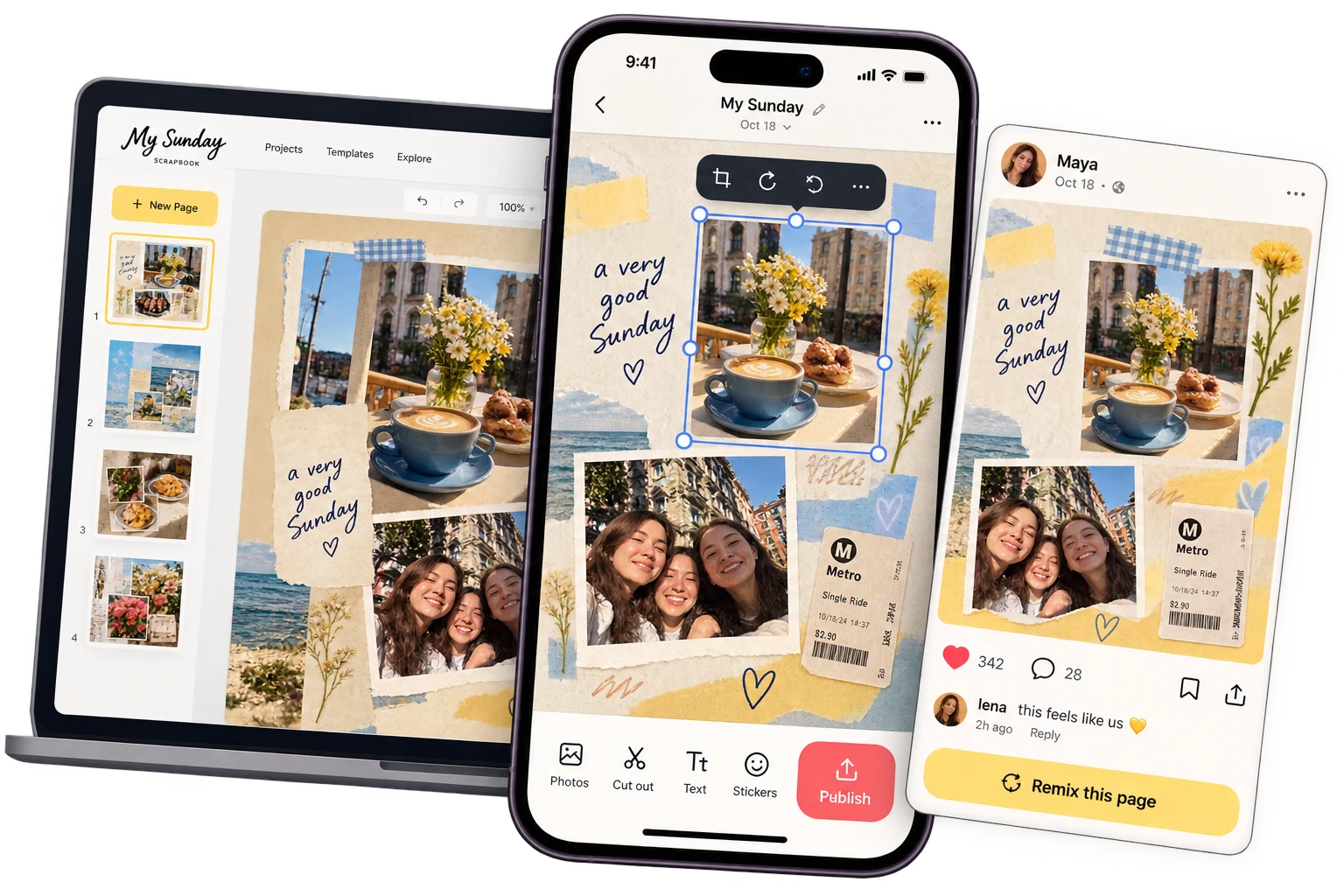
Visual Creation
Turn prompts, choices, images, and reusable controls into visual results people can generate and refine.
- AI Image Generator
- Background Remover
- AI Moodboard Canvas
- 02
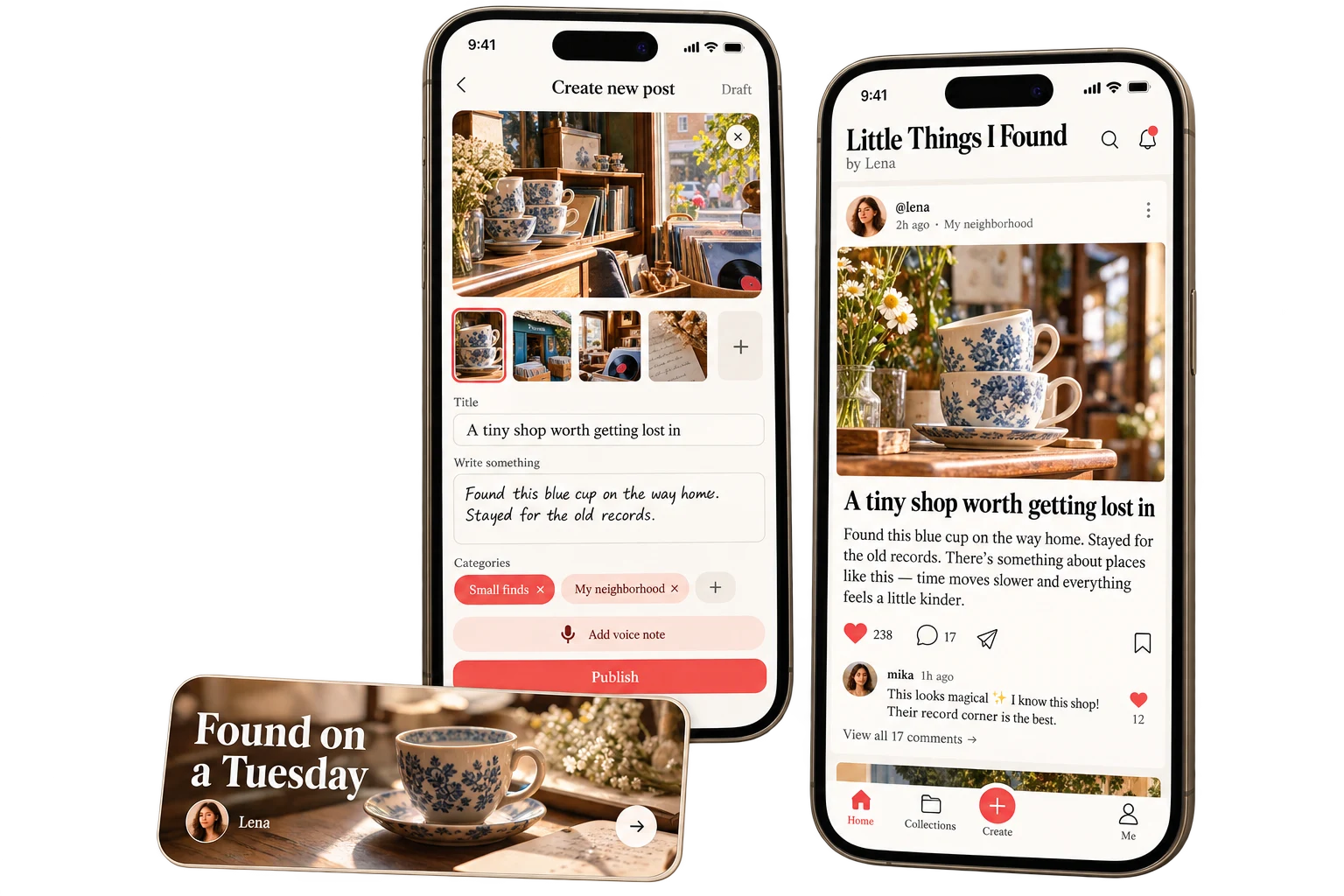
Content & Publishing
Plan, structure, publish, and maintain written or editorial content across a clear, repeatable workflow.
- Blog
- Content Calendar
- Press & Media Kit Page
- 03
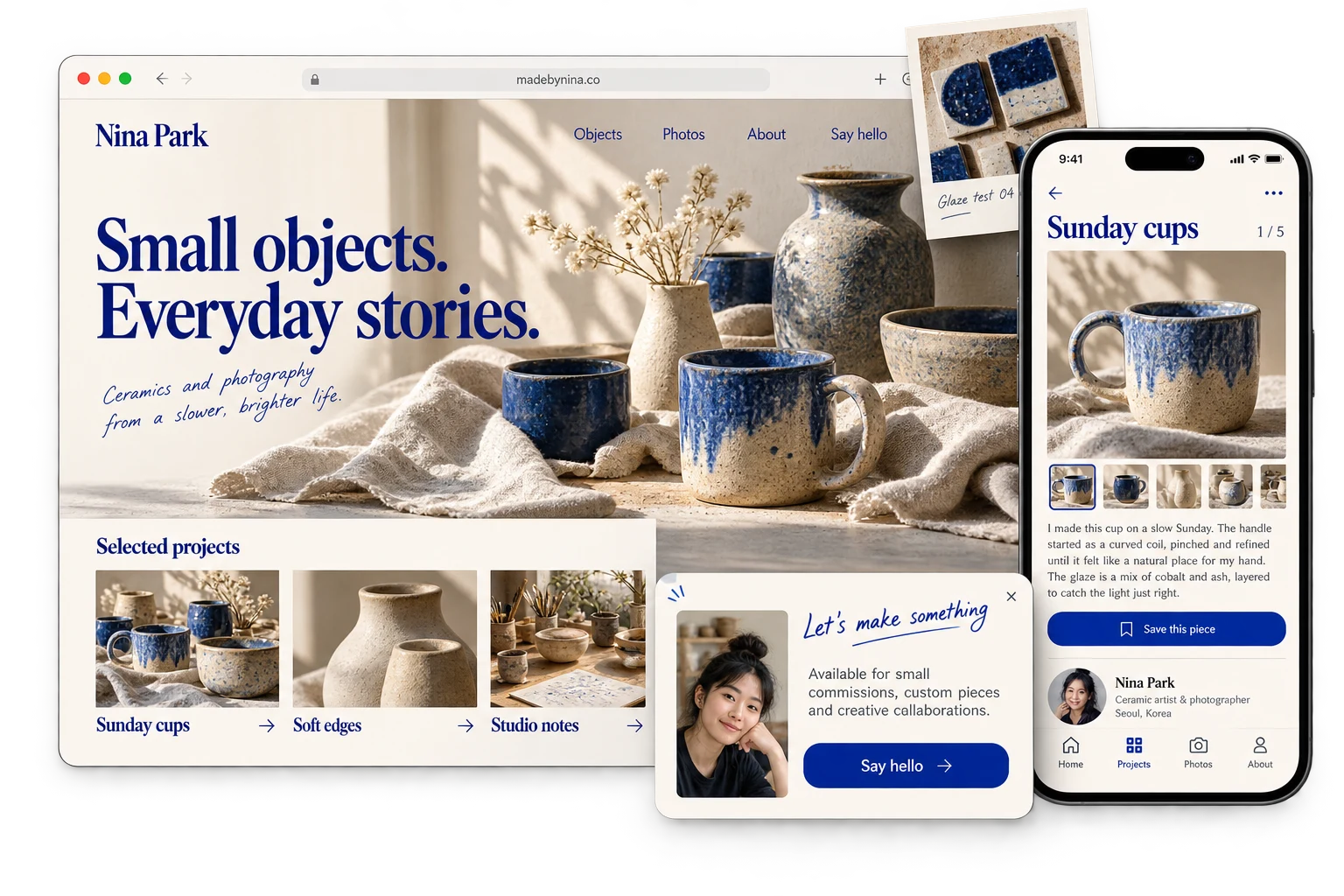
Portfolios & Personal Brands
Present selected work, experience, and point of view with enough context and personality to be remembered.
- Portfolio Website
- Photography Website
- Press & Media Kit Page
- 04
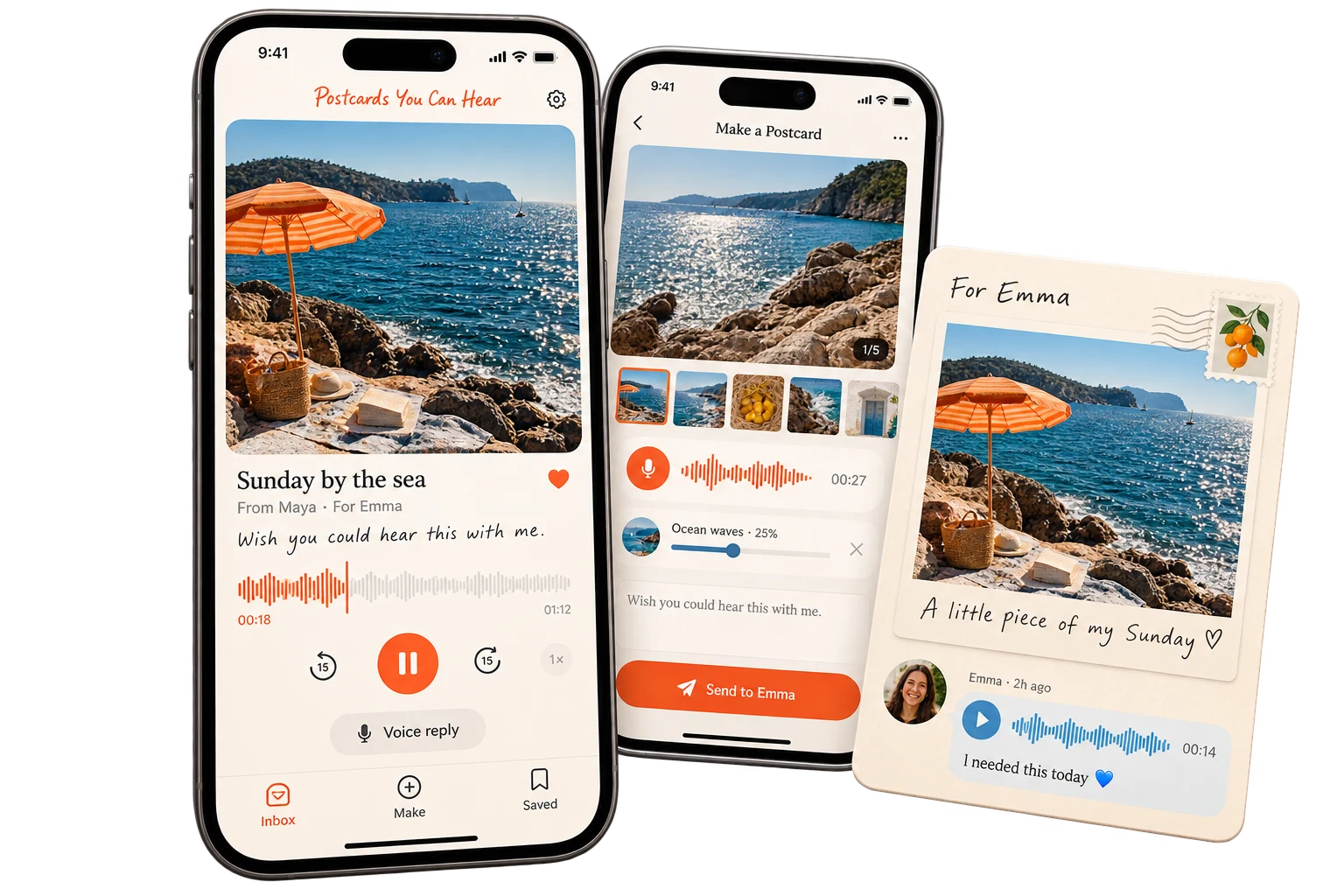
Audio & Media
Create ways to organize, play, publish, and add context around podcasts, audio, video, and episodic media.
- Podcast App
- 05
Digital Art & Interactive Design
Build digital artworks and design tools that invite people to generate, edit, explore, or interact with visual systems.
- SVG Editor
- Character Generator
- NFT & Digital Art Dashboard
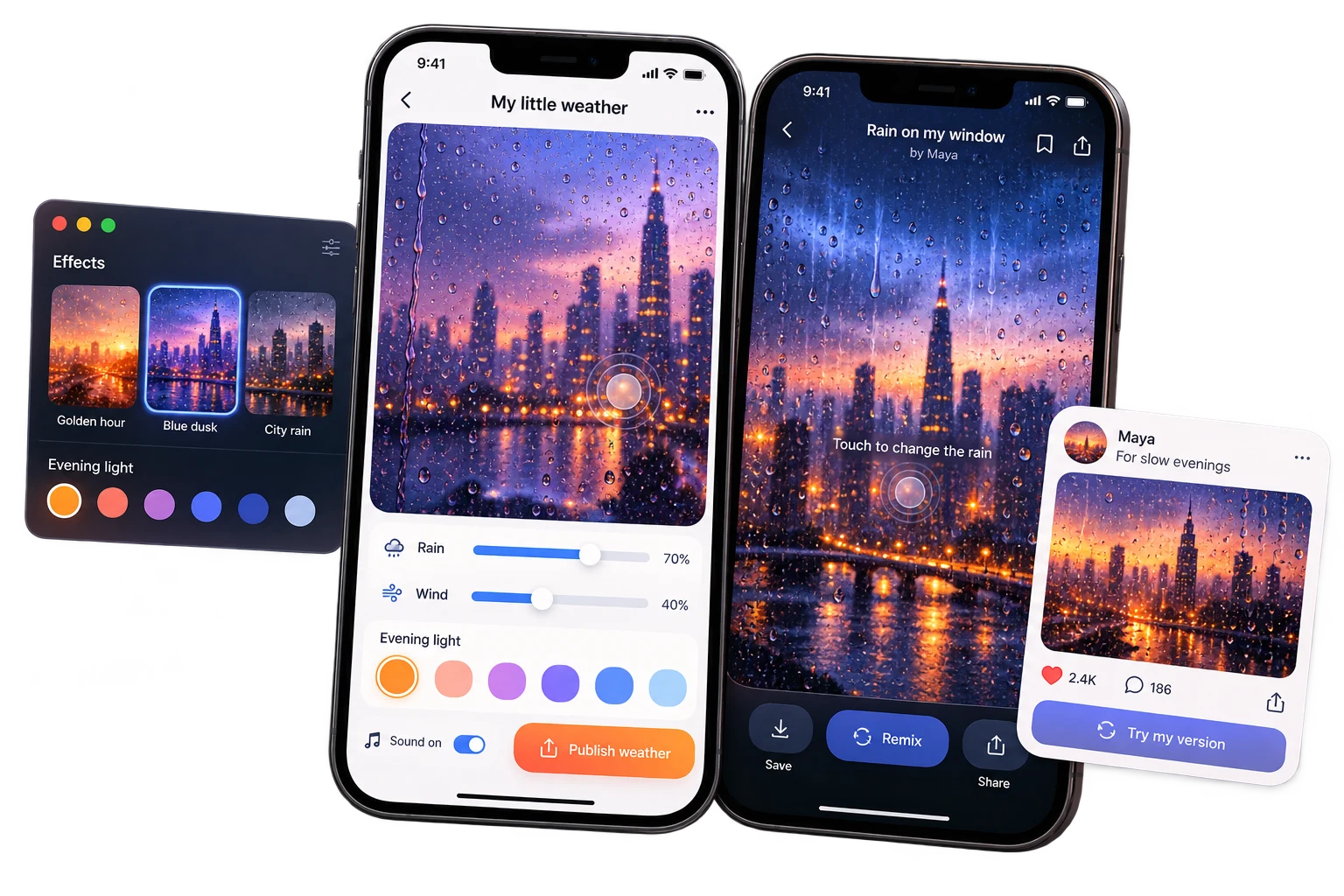
MADE WITH EAZO
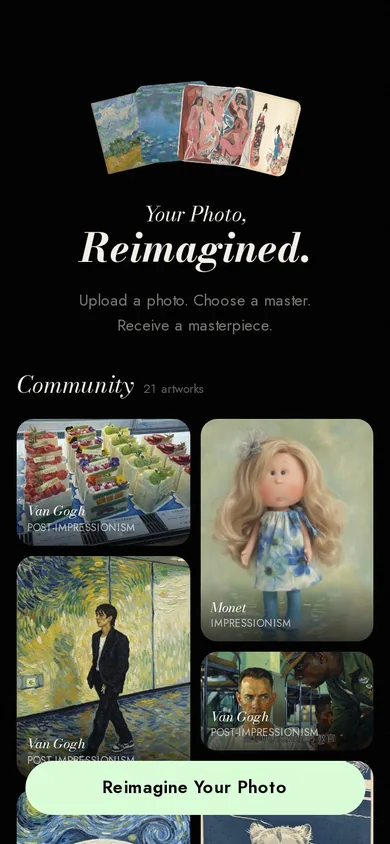
Creative & Media apps made with Eazo
Explore real apps made with Eazo. Choose one to open its app page and see more.
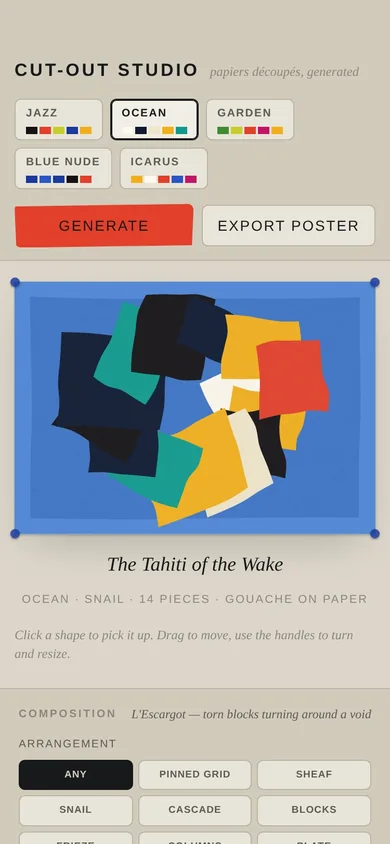
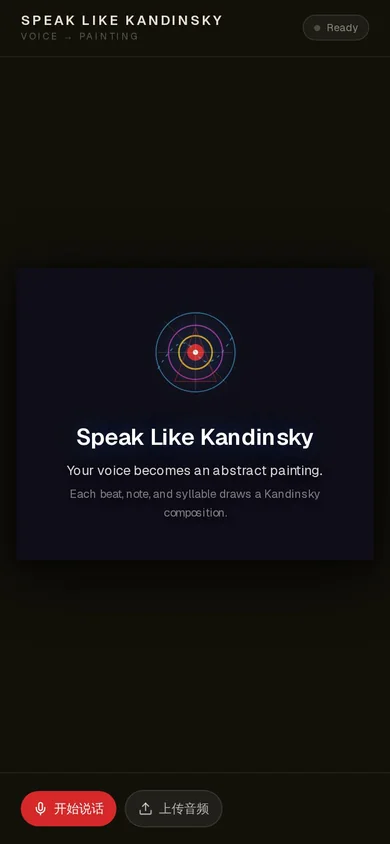
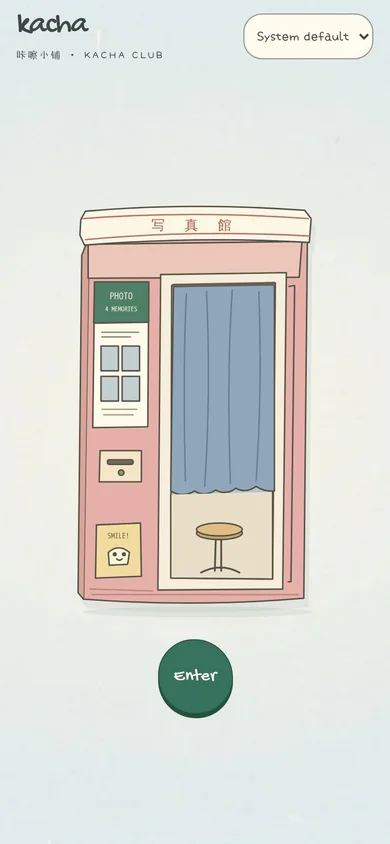
CREATE WITH EAZO
Make your creative concept interactive with AI
Tell Eazo what you want an audience to see, make, hear, or feel and how they should take part. Eazo creates the first version so you can explore the experience, refine its voice, and publish it when it feels like your own.
- 01
Describe one creative interaction
Explain what the audience encounters first, what they can explore or change, and the response, result, or feeling the interaction should create.
- 02
Create and explore the first version
Eazo turns the concept into a working app. Move through it like a visitor and notice whether the sequence, media, choices, and responses express the idea clearly.
- 03
Refine the voice and share
Ask Eazo to adjust the content, typography, composition, color, pacing, or interaction. When the experience feels coherent and recognizably yours, publish and share it.
GOOD TO KNOW
Creative and media app questions
Practical answers for taking an idea from prompt to published app.
KEEP EXPLORING
Discover more directions
Explore another category, combine two directions, or start with the problem that matters most to you.
- Business & Marketing
- Shopping & Services
- Education & Learning
- Games & Entertainment
- Health & Wellness
- Productivity & Planning
- Social & Community
- Events & Celebrations
START WITH YOUR IDEA
Make your creative idea interactive
Describe what you want people to see, make, hear, or feel. Eazo will turn it into an interactive first version you can explore, shape into your own, and share.
Create my interactive app