Create a 3D App with AI
Turn a description or reference image into 3D content inside a working App. Let people rotate, customize, or move through the experience, then publish it for others to use.
Create a 3D App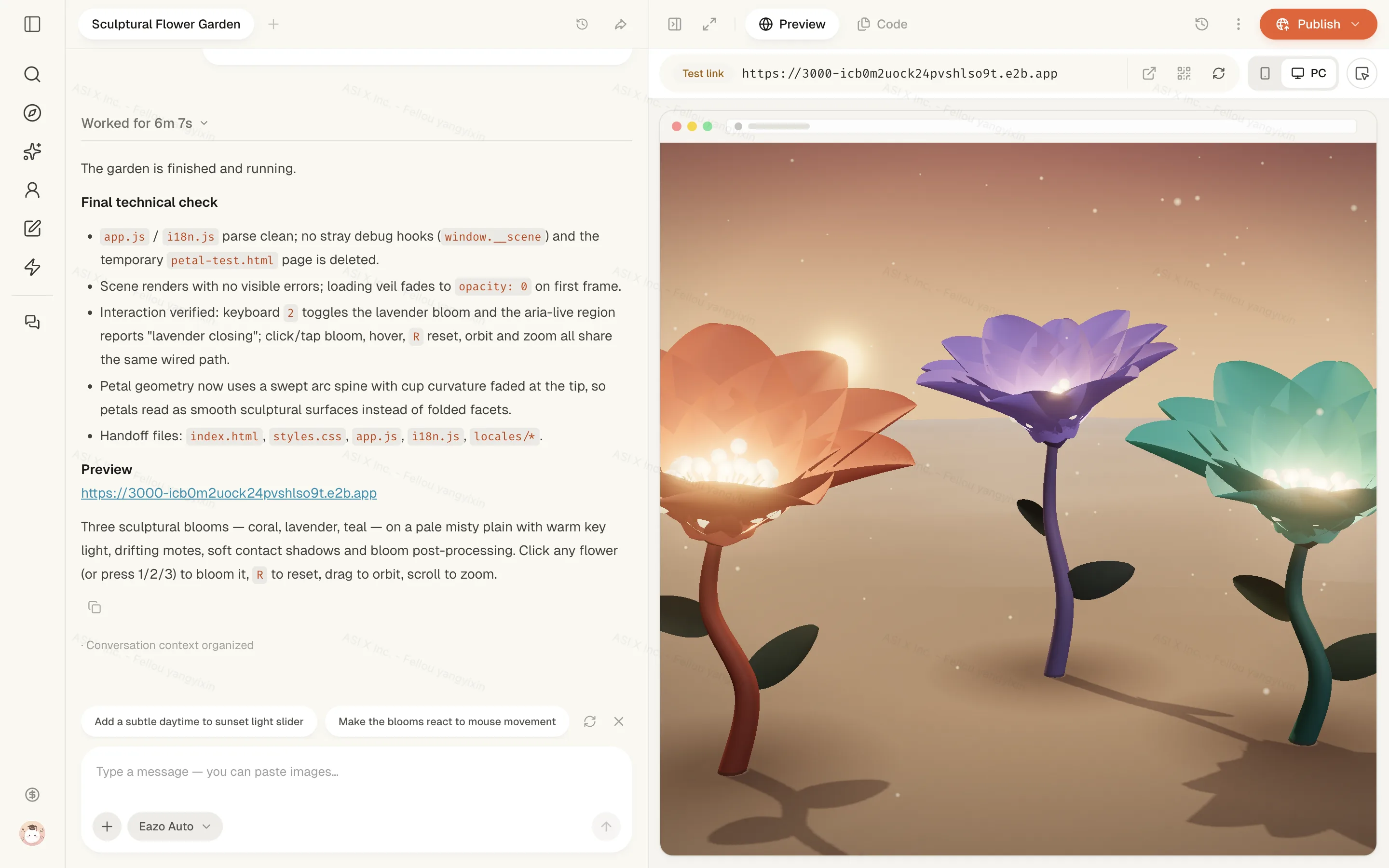

Create an interactive 3D App without modeling software.
Eazo connects 3D creation with the rest of your App. Describe the experience you want; the Agent can generate the content and build the interaction around it.

Create without modeling software
Start from a written idea or a reference image instead of modeling the object or scene by hand.
Add 3D controls to your App
Add the viewer, controls, and App behavior that let people interact with the 3D content.
Build and publish in one Project
Review the model and the surrounding App in Preview, request changes in Chat, and publish the finished experience.
3D App ideas: product viewers, characters, and games.
Use depth, movement, and direct control when they help someone understand, choose, or play.
Product views and customization
Let visitors inspect an object from every angle and see color or design choices in context.
Characters and virtual toys
Create a character people can rotate, move, or interact with as part of the App.
Explorable lessons and games
Turn a place, concept, or story into a scene with actions that invite discovery.
How to create a 3D App from text or an image.
Start with the subject. Eazo generates the model, builds the interaction, and lets you check the result before sharing.
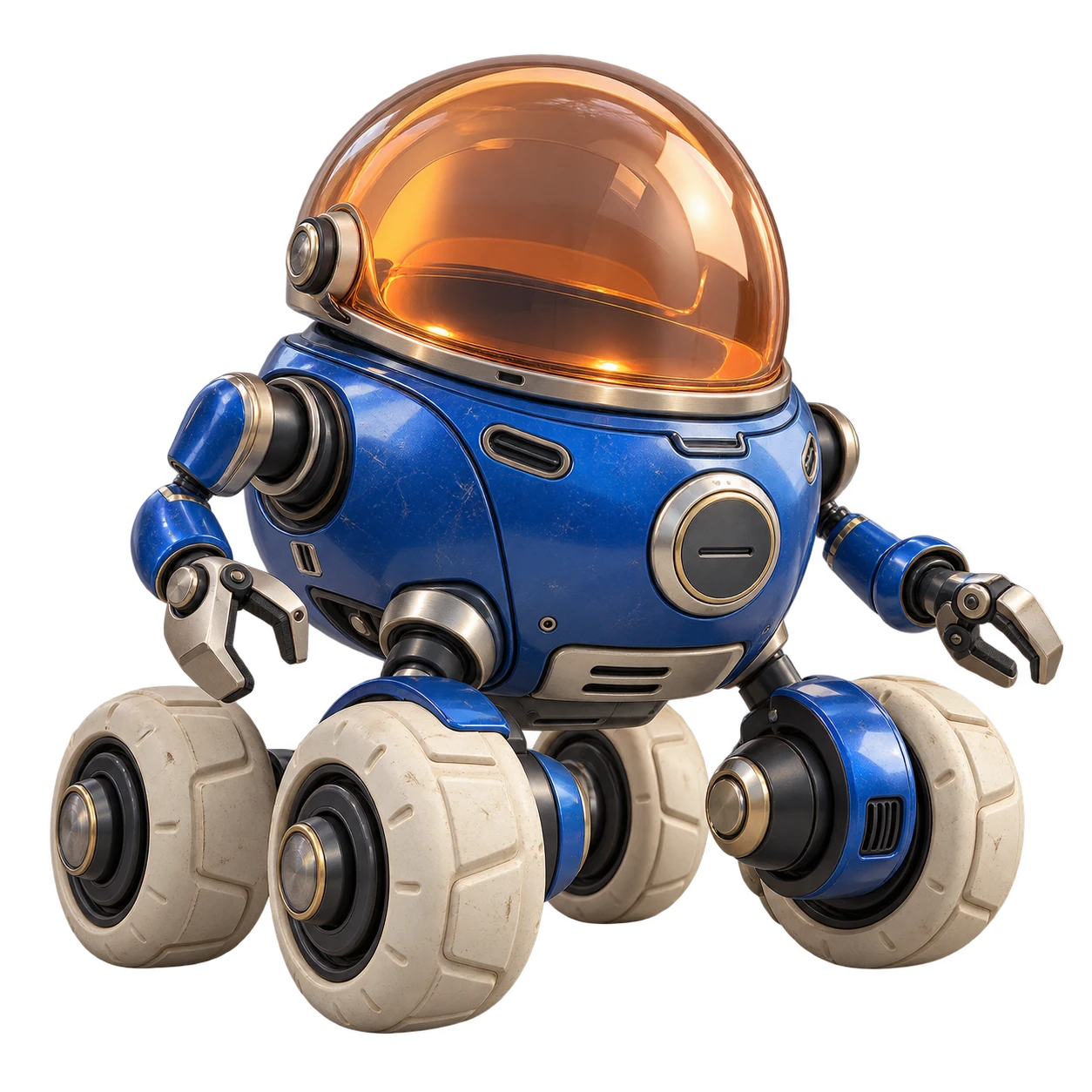
Describe the subject
Tell Eazo what object or scene you want. Start with a written description or upload a clear reference image.
Choose a 3D model style
Specify the style and important details, such as materials, colors, and a realistic or low-poly look.
Choose how users interact with 3D
Say whether people should rotate, zoom, recolor, or move through the 3D content inside your App.
Generate and build
The Agent generates the model during design and build, then adds the viewer and controls to your App.
Preview and refine
Check the model and interactions in Preview. Request changes, and test gesture controls on a phone with Eazo Mobile.
Add 3D interactions: rotate, customize, and explore.
The interaction is part of the App experience. Ask for the controls and responses that suit your audience.
Rotate and zoom
Let people examine an object closely and see it from different angles.
Recolor and customize
Show the result of a visitor’s choices directly on the model.
Explore a scene
Use gestures, movement, and App actions to make a 3D environment responsive.
Review the result on the devices people will use.
Generated 3D content and interaction need the same product review as the rest of your App. Check the current Credit allowance before planning multiple generations or revisions.
Check the model against your reference
A clear image and specific description help guide generation. Inspect the final shape, texture, and details rather than assuming an exact match.
Test 3D controls on phone and desktop
Try mouse and touch controls, camera limits, loading time, and frame rate, especially on a physical phone.
Plan 3D revisions and Credit use
Refining the model or scene may take additional generations. Review current usage and plan details before a larger 3D project.
Frequently asked questions about 3D App creation.
Clear answers about setup, control, limits, and what happens after you begin.
What kinds of 3D Apps can I create with Eazo?
3D works best when depth and direct manipulation add meaning: product viewers, customizable objects, characters, virtual toys, lessons, and small explorable scenes are strong starting points.
Do I need 3D modeling software, rendering code, or an API key?
No. Describe the subject and the interaction you want, or provide a reference image. Eazo can generate 3D content and connect it to an App experience without requiring you to model it by hand, write the rendering code, or configure a 3D service key.
Can I create 3D content from both text and an image?
Yes. Start from a written description or provide a clear reference image. Include the intended style and interaction so the Agent can design the model as part of the App rather than as an isolated asset.
Is the result a static model or an interactive 3D experience?
The model can be part of an interactive App. Ask for the actions people should be able to perform—such as rotate, zoom, recolor, customize, or move through a scene—and test those actions in Preview.
Can I change the 3D result after it is generated?
Yes. You can ask the Agent to refine the model or change the surrounding materials, lighting, camera, and interaction. Review the core interaction after each meaningful change instead of judging only a still image.
Will a 3D App work on a phone?
A published 3D App can be opened on mobile, but performance depends on the complexity of the model, scene, effects, and device. Use Eazo Mobile or a phone browser to test touch controls, loading time, and frame rate before sharing it widely.
How long does 3D generation take, and how is it charged?
Generation time and usage vary with the asset and the work requested. Additional generations or revisions may use more Credits. Check the current allowance and paid options on the Pricing page before planning several model generations or revisions.
What should I test before publishing a 3D App?
Test loading, touch and mouse controls, camera limits, text readability over the scene, and the complete primary journey on both phone and desktop. Then use the publishing workflow to release the verified version.
Don’t just show it. Let people explore it.
Turn a 3D object or scene into an App people can rotate, customize, or move through.