
AI APPS FOR PRODUCTIVITY & PLANNING
Build AI apps for productivity and planning.
Organize tasks and notes, protect focused time, understand personal finances, plan travel and daily life, or build a dependable utility. Keep the structure people need and remove the friction they do not.
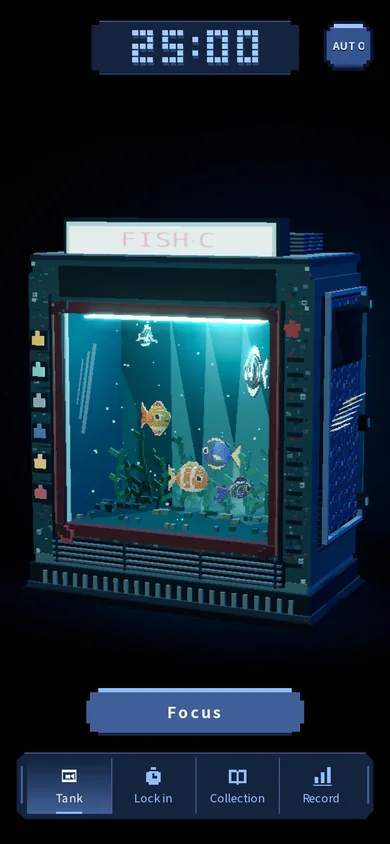
Create a pixel aquarium focus timer where each uninterrupted session keeps a tiny underwater world moving.
Prompt ready to send
WHAT YOU CAN CREATE
Create a productivity app that fits the way you work
Begin with the task, decision, or routine that feels harder than it should. Build a focused tool that makes the next step visible, reduces unnecessary effort, and works with the way you already plan and organize.
- 01
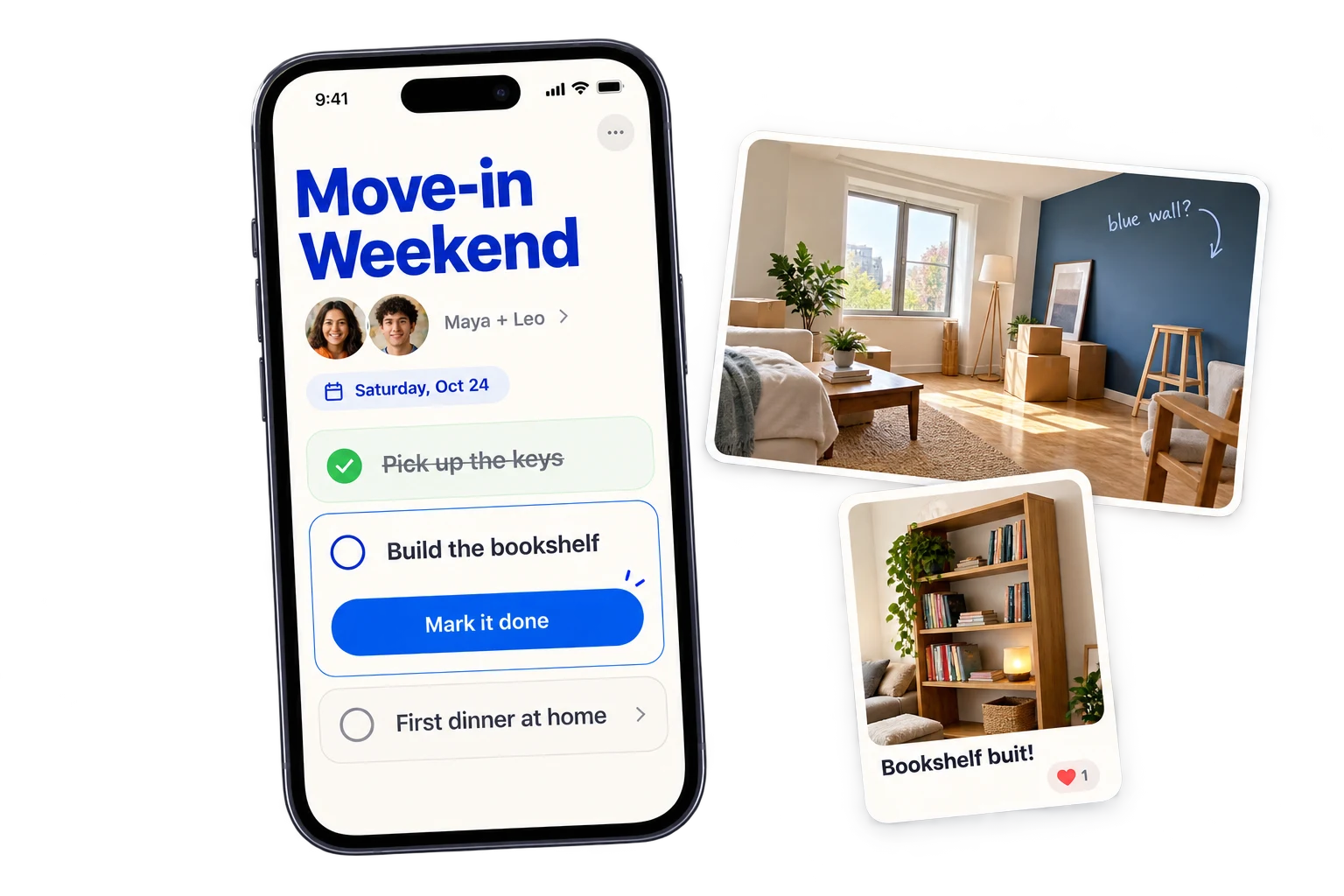
Tasks & Projects
Shape a focused workspace around the stages, owners, and next actions that actually matter.
- Task Manager
- Kanban Board
- Project Management
- 02
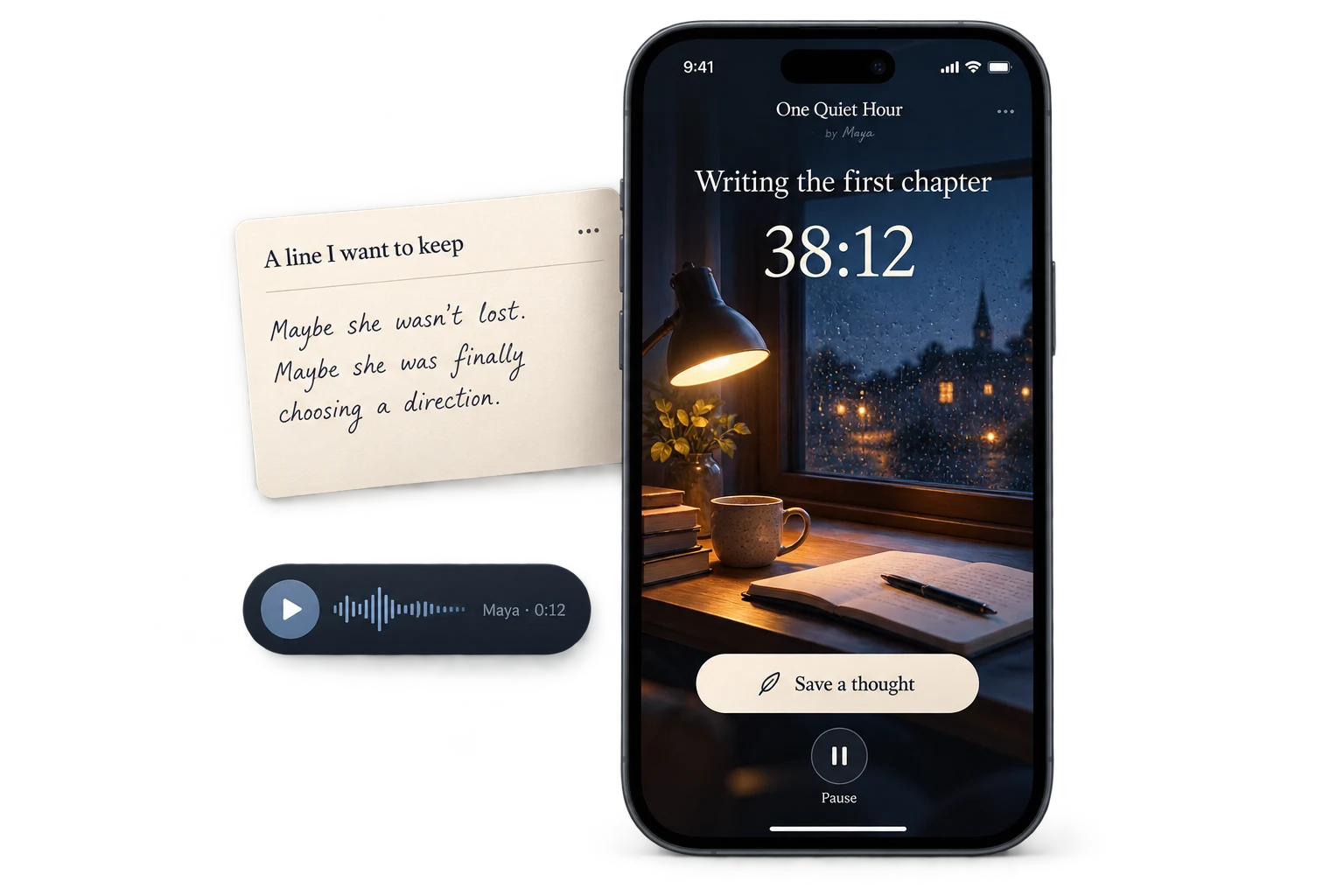
Notes, Focus & Reflection
Capture ideas, protect focused time, summarize meetings, and return to useful reflections without losing context.
- Note-Taking App
- Pomodoro Timer
- Reflection Journal
- 03
Personal Finance
Make income, spending, savings, debt, investments, and recurring costs easier to understand and plan.
- Budget Planner
- Expense Tracker
- Debt Payoff Planner

- 04
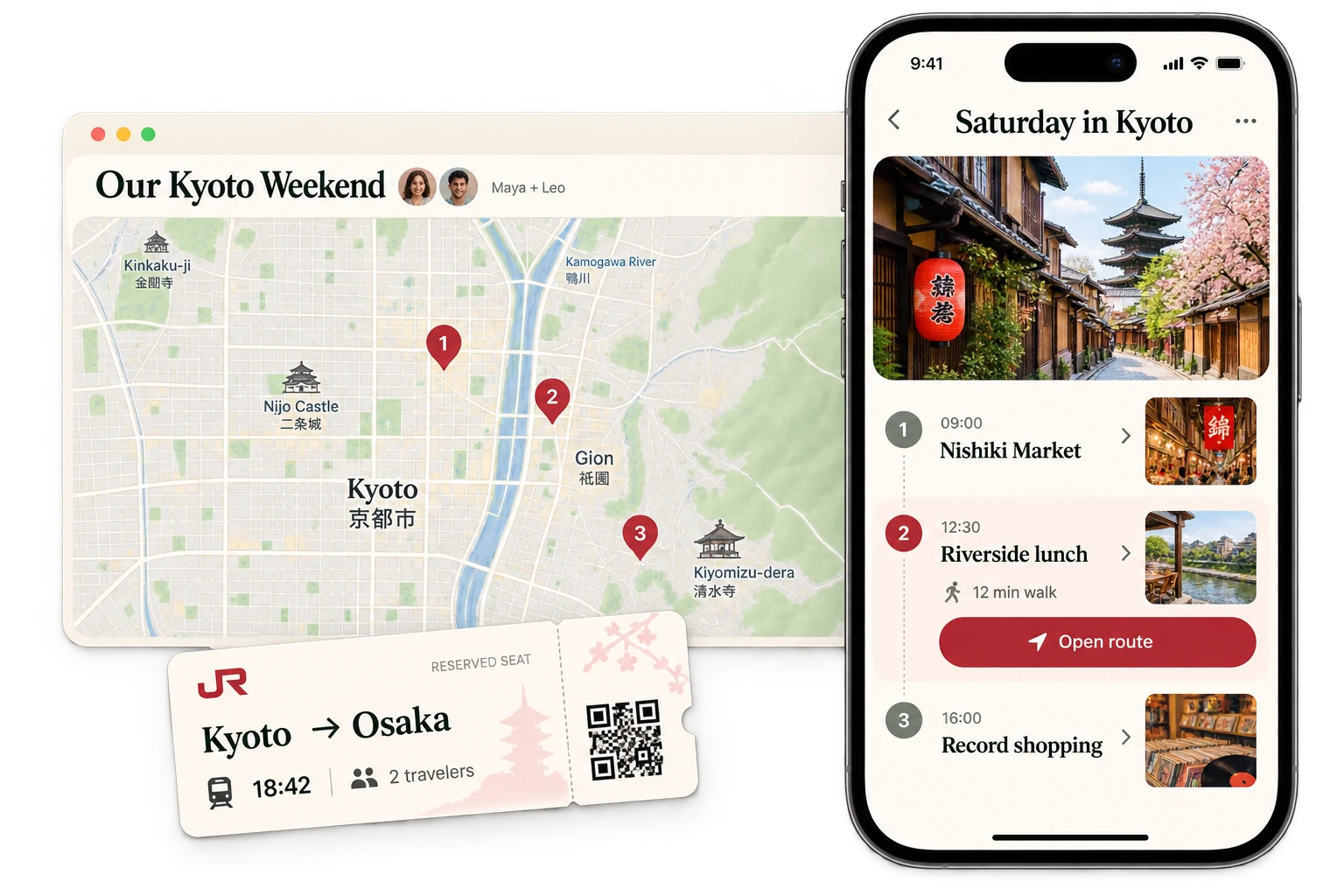
Travel & Everyday Planning
Turn destinations, schedules, locations, shared costs, and everyday decisions into a plan people can actually follow.
- AI Trip Planner
- Interactive Map & Geolocation App
- Bill Splitter
- 05
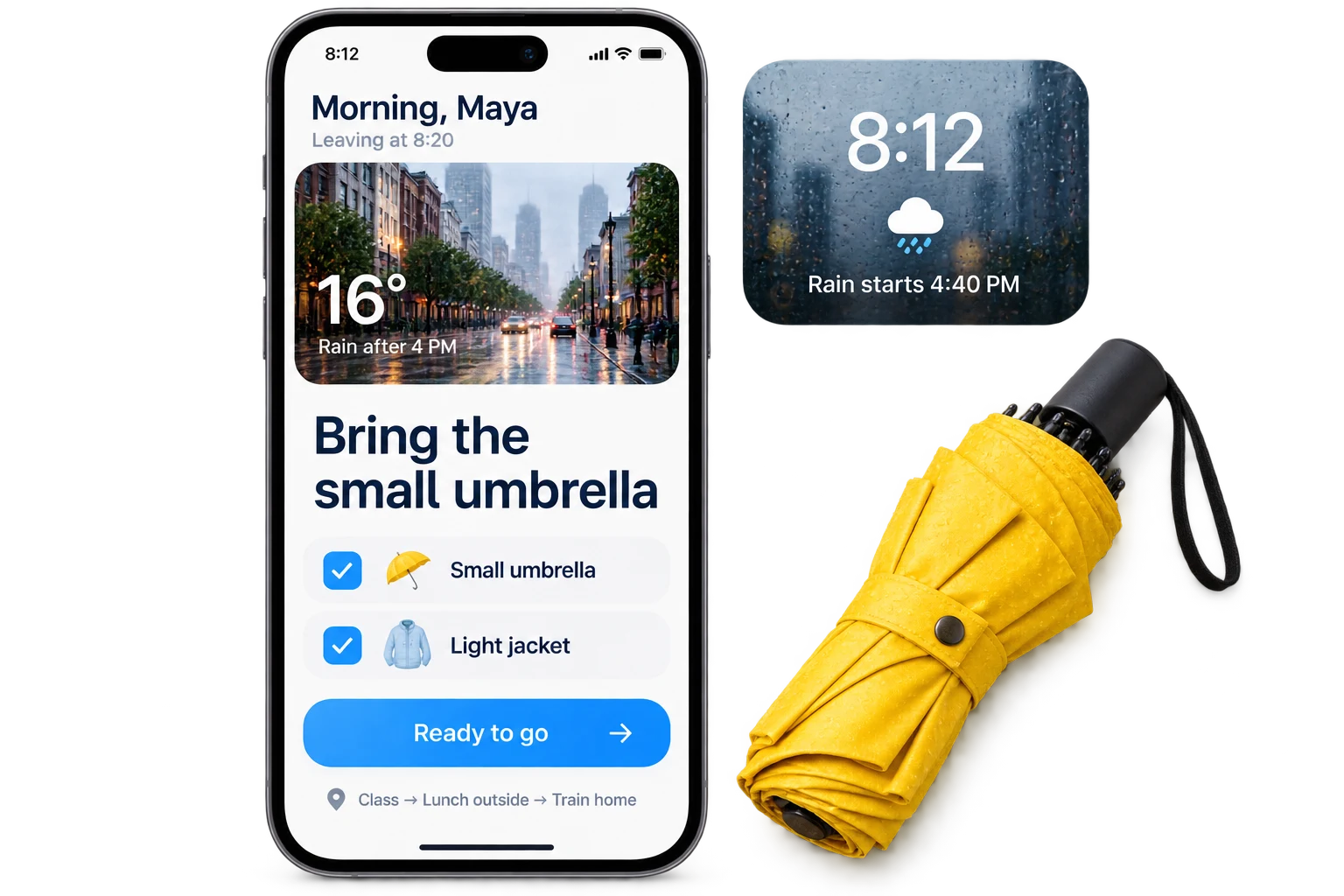
Everyday Utilities
Create small, dependable tools for calculations, information, codes, weather, surveys, and other recurring needs.
- Calculator App
- QR Code Generator
- Weather App
MADE WITH EAZO
Productivity & Planning apps made with Eazo
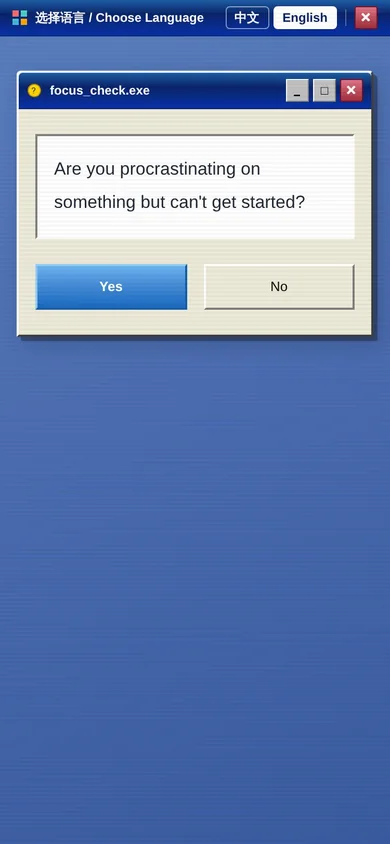
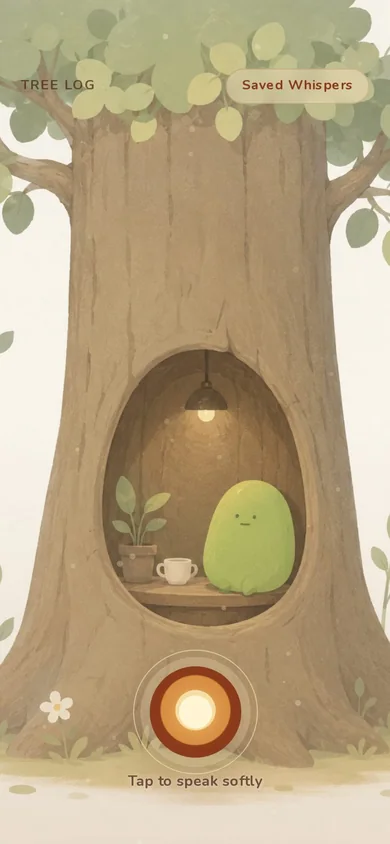
Explore real apps made with Eazo. Choose one to open its app page and see more.

CREATE WITH EAZO
Build a tool around the way you get things done
Tell Eazo what starts the workflow, what information matters, and how you know the task is complete. Eazo creates a working first version you can use in context, simplify through conversation, and share when it fits your routine.
- 01
Describe one task or routine
Explain what you are trying to organize, the information you need, the decisions you make, and the next action the app should make easier to see.
- 02
Create and use the first version
Eazo turns the routine into a working app. Use it for a real task and notice which fields, views, or actions help. Remove anything that adds unnecessary effort.
- 03
Simplify, refine, and share
Ask Eazo to reorganize information, clarify priorities, or adjust the layout and visual style. When the tool fits the routine, publish it for yourself, your team, or the people you planned it for.
GOOD TO KNOW
Productivity and planning app questions
Practical answers for taking an idea from prompt to published app.
KEEP EXPLORING
Discover more directions
Explore another category, combine two directions, or start with the problem that matters most to you.
- Business & Marketing
- Shopping & Services
- Education & Learning
- Games & Entertainment
- Health & Wellness
- Creative & Media
- Social & Community
- Events & Celebrations
START WITH YOUR IDEA
Build the productivity app your workflow has been missing
Describe the task, decision, or routine you want to make easier. Eazo will create a focused tool you can use in context and improve through conversation.
Build my productivity app