Explore multiple design directions for one idea
Wild Design explores distinct layouts and visual identities for the same App brief. See different ways to present your product while keeping its purpose and core features intact.
Try Wild Design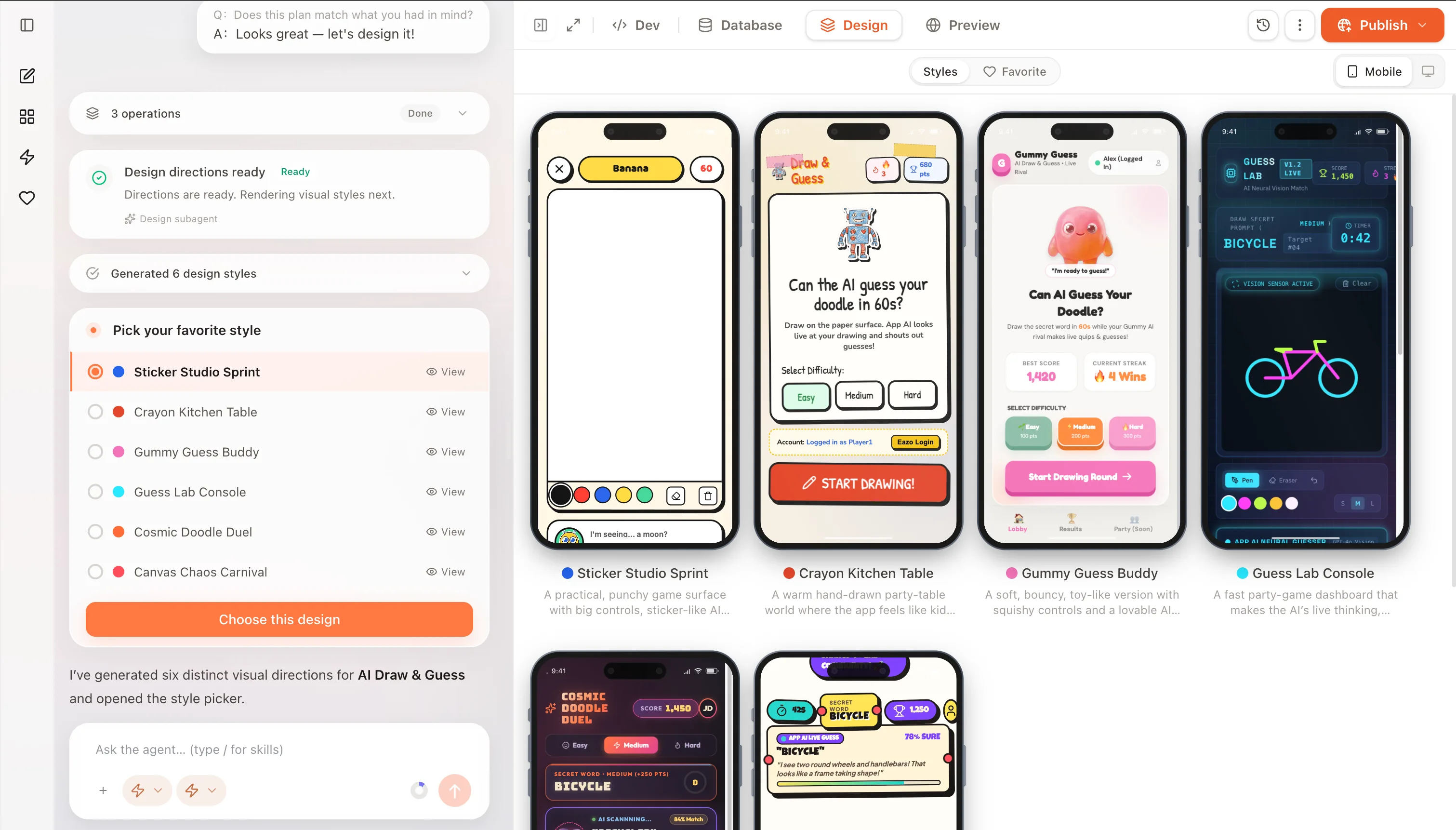
Compare distinct layouts and visual identities.
Wild Design varies the composition and visual language while staying grounded in the App you asked Eazo to create.
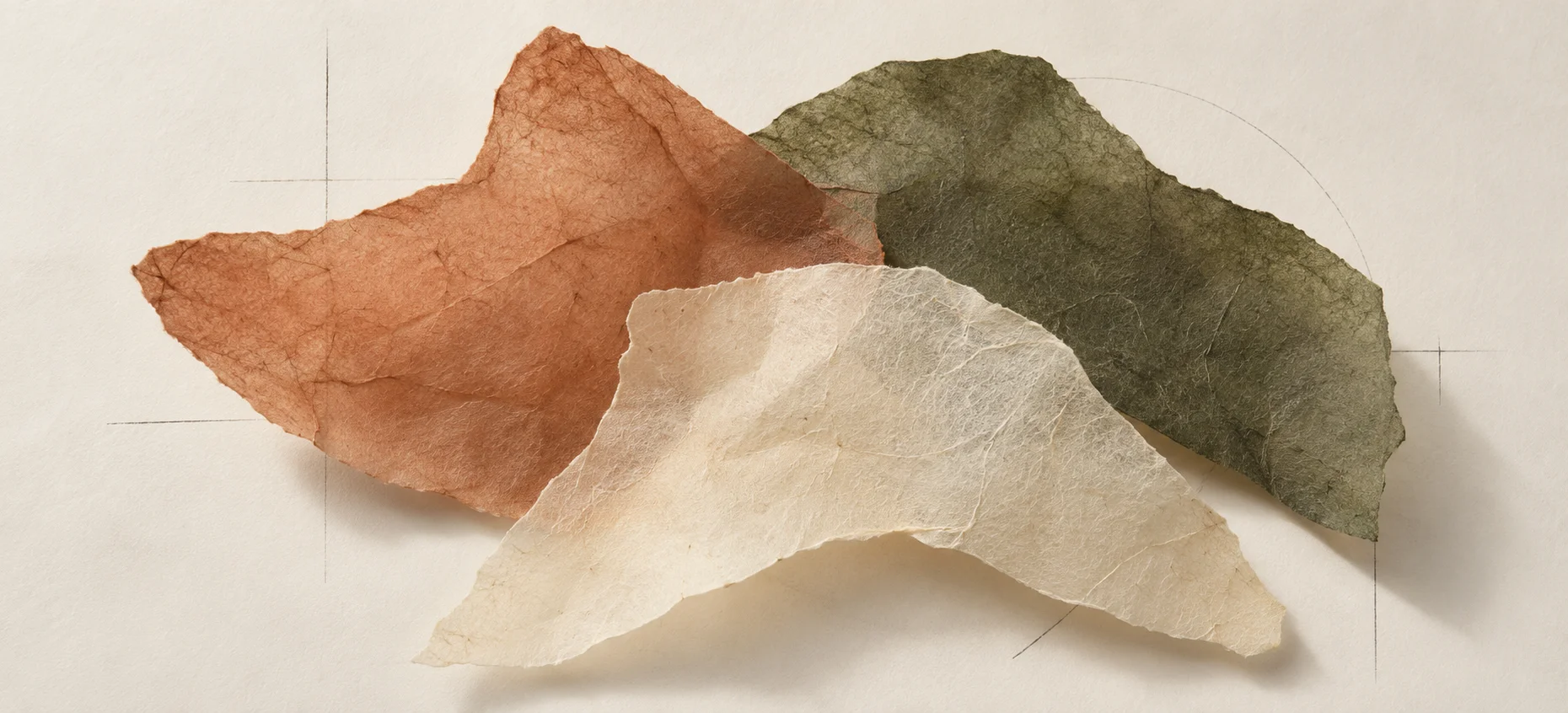
Distinct layouts
More ways to organize the same App.Directions explore different hierarchies, screen structures, and placements for the actions your App needs.
Coherent visual identities
A design language with its own character.Typography, color, imagery, and controls work together within each direction, rather than changing one surface detail at a time.
Designed for your brief
Different options, same product intent.Each direction keeps your required features, core flow, and brand constraints in view while exploring how to present them.
Explore App design inspiration and visual styles.
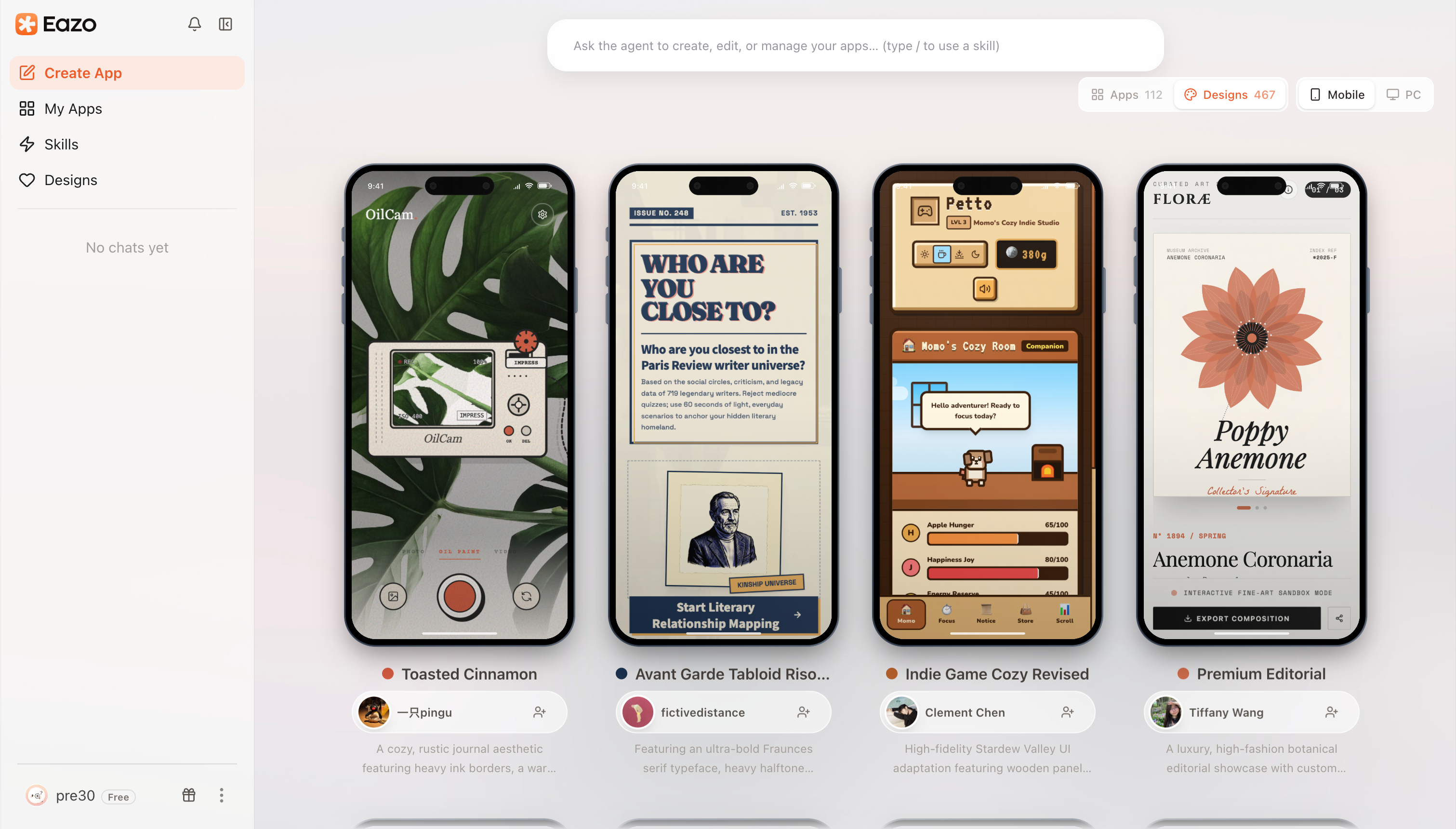 Toasted CinnamonAvant Garde TabloidIndie Game CozyPremium Editorial
Guide App design directions with a brief and references.
A clear brief gives the exploration focus. Add a screenshot, moodboard, or brand reference to guide the visual language, then use feedback to sharpen the direction that stands out.
- Your brief Define the audience, core action, and requirements each design must serve.
- Your references Show the typography, imagery, or mood that should influence the result.
- Your judgment Compare the directions, request changes, and develop the one that fits.
Frequently asked questions about Wild Design.
Learn what varies between directions, how to guide the designs, and how to use the option you choose.
What is Wild Design?
Wild Design creates multiple layout and visual directions for the same App brief. Each option explores a distinct composition and visual identity while keeping the core product requirements in view.
How different are the design directions?
Directions can differ in layout, hierarchy, visual language, and how the main action is presented. The App features and core task you requested remain the foundation for every option.
How many directions can I explore?
You can ask for one to six directions. If you request design directions without specifying a count, the Agent currently generates six by default. A smaller set works well when your brief is already focused; a wider set is useful when the product form is still open.
Are the first directions complete Apps?
No. They are design directions to compare before the complete build. After choosing one, you can ask Eazo to build the complete App or generate a multi-page prototype to review the pages and core flow first.
Can I use a screenshot, moodboard, or brand reference?
Yes. Add visual references and explain what should be learned from each one, such as its hierarchy, interaction rhythm, typography, imagery, or tone. References guide the exploration without requiring the Agent to copy them literally.
What if none of the first directions fits?
Explain what feels too familiar, too complex, too playful, or otherwise wrong. You can keep a promising direction as a reference, ask for another set, or tell the Agent which qualities should stay while the rest changes.
Does choosing a direction lock the App into that design?
No. The selected direction becomes the starting system for the App. You can continue changing individual elements, comment on specific parts of a page, or request a larger redesign as the product develops.
What if your App looked completely different?
Explore distinct design directions for the same idea. Find the one that feels right before you build.