From games and useful tools to interactive experiments, an idea can become something you can play, use, and share.
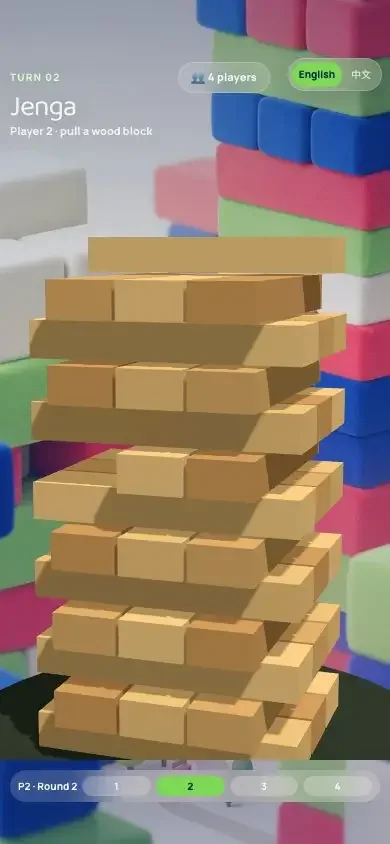
JengaParty game
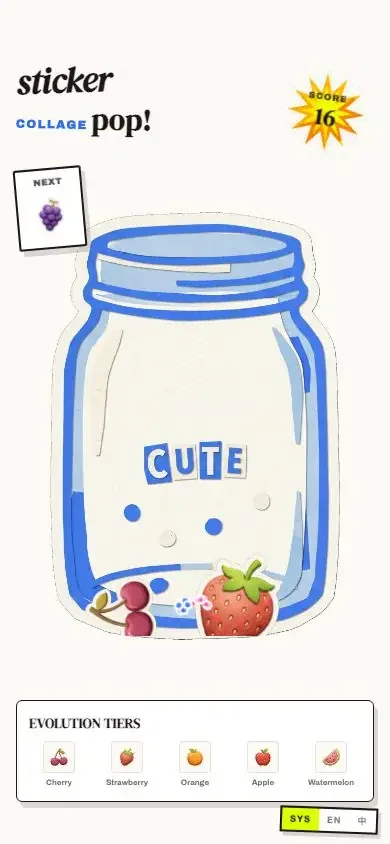
Fruit Sticker PopCasual game
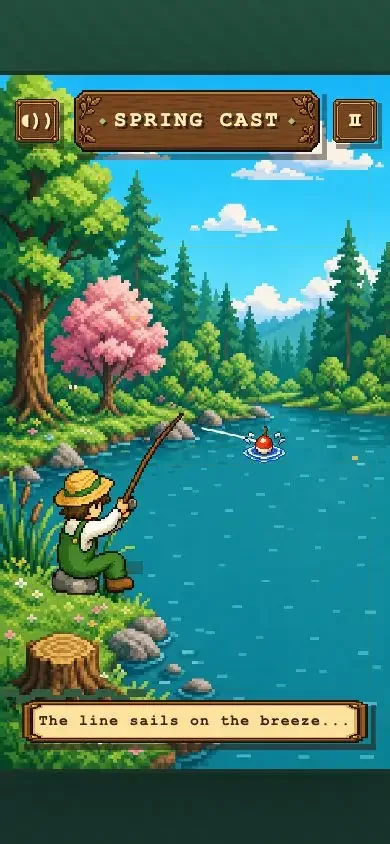
Spring CastPixel game
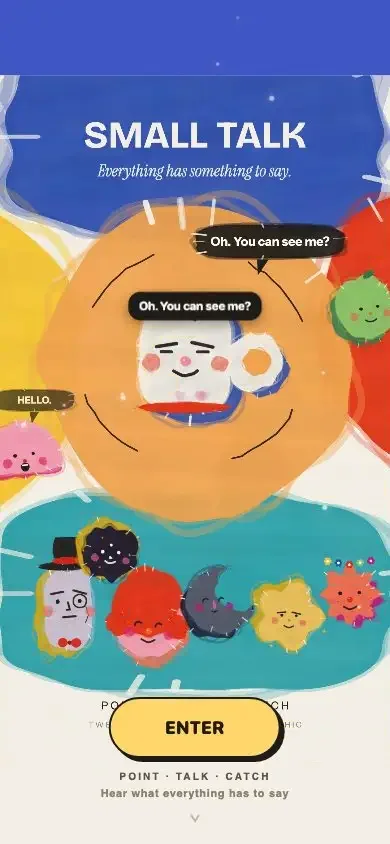
Small Talk ARAR experience
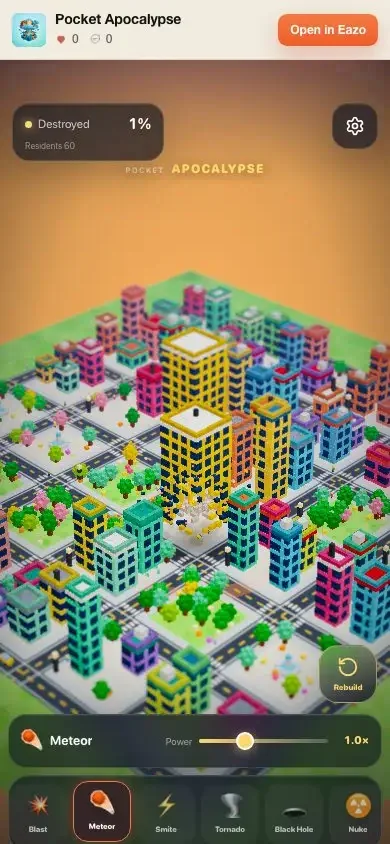
Pocket ApocalypseAdventure
JengaParty game
Fruit Sticker PopCasual game
Spring CastPixel game
Small Talk ARAR experience
Pocket ApocalypseAdventure
JengaParty game
Fruit Sticker PopCasual game
Spring CastPixel game
Small Talk ARAR experience
Pocket ApocalypseAdventure
←Drag or swipe to explore→
FAQ
Frequently asked questions
Answers about downloading and using Eazo on your phone.
Download the official Eazo app from App Store for iPhone or Google Play for Android. If Google Play is unavailable, Android users can also download the official APK below.
Discover interactive experiences, create with AI, remix ideas that inspire you, and keep exploring your creations wherever you are.
Yes. You can download Eazo for free. After you install the app, log in to start creating and keep your work in sync.
Eazo supports iPhones running iOS 16.0 or later and a wide range of Android devices through Google Play.
You can install Eazo without an account. Sign in with the same Eazo account on each device to create, access, and sync your work across the app and web.
If Google Play is unavailable, download the official Eazo APK below. Android may ask you to allow browser installs. For your security, install Eazo only from this page.