If a game opens with a seven-step tutorial, that is now a course. We're not enrolling. We're here to click the obvious thing and watch it get weird.
Click a beat into existence, move your pointer through digital ink, put flowers on a 3D skull, disturb a perfectly good swimming pool, arrange a bouquet, or rotate Naruto like the world's least urgent museum security incident. These are easy games and interactive toys, not six identical arcade rounds. No skill tree will be joining us.
Brick Beat
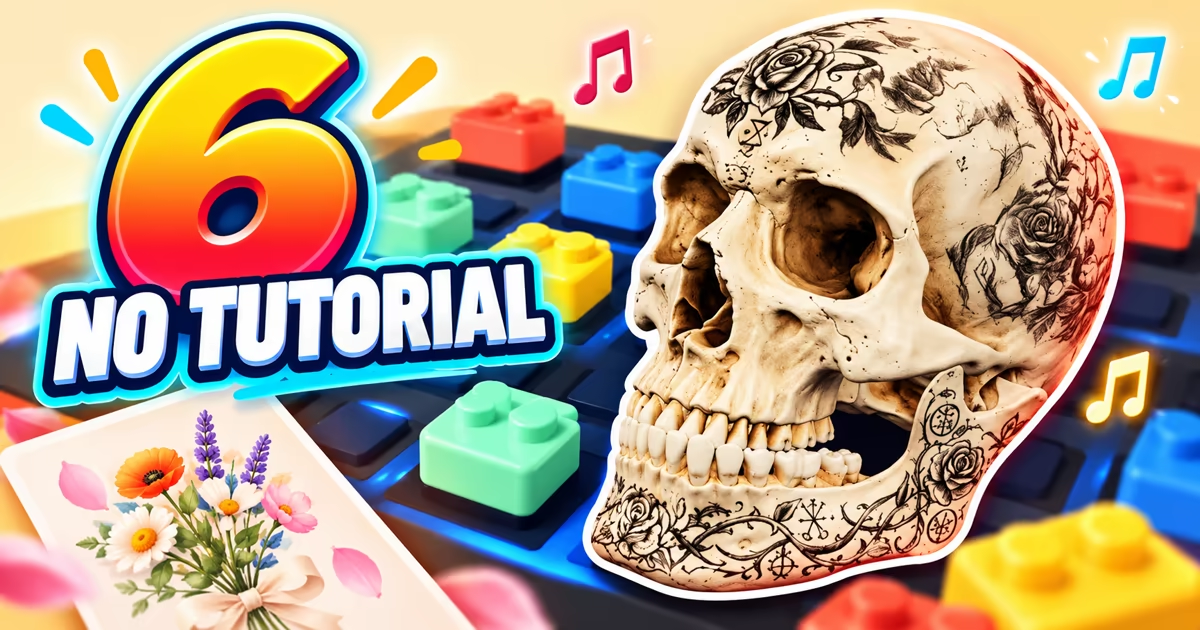
Brick Beat lays out four sound lanes—drums, bass, keys, and percussion—across six beats. Click a pad and a colored brick appears in the loop. Press PLAY LOOP and every active position takes its turn. The visible grid explains itself faster than a paragraph about sequencing could.
The App still has room to grow after the first click. Drag bricks to move them, pull one outside the board to remove it, long-press to stack an accent, or use UNDO and CLEAR LOOP when the rhythm has become an organized disagreement. A fresh board displays a loop density counter, a BPM control, and keyboard shortcuts: Space plays, while number keys 1–4 switch brick types.
Start here if immediate cause and effect matters more than making a finished song. Brick Beat requires sound and becomes more complex once you start editing accents and tempo, but none of that blocks the first useful action. Click the square. The brick clocks in and makes its assigned noise.
Hand Ink
Hand Ink offers two entrances: BEGIN WITH CAMERA and CONTINUE WITH POINTER. Choose the pointer and movement immediately leaves ink and sound on a rice-paper canvas. Camera access is optional rather than a toll booth placed in front of the drawing.
Four gesture modes—TRACE, SWEEP, DROP, and VOID—change the marks, while CLEAR, STILL, and RECORD 15S handle the evidence afterward. The first line does not need to resemble anything. It can arrive with no artistic plan, cross the canvas, and become a fact the page now has to live with.
Hand Ink is the best freeform choice here because the control is already the creative act. It asks for more experimentation than A Bigger Splash and gives less compositional guidance than Petal Studio. Pointer drawing works without a camera, but the full hand-tracking version adds permission, lighting, and device considerations that a one-click game avoids.
Skull Sticker Lab
Skull Sticker Lab provides a rotatable 3D skull and a row of stickers before asking whether this pairing needs a backstory. Choose Daisy, Poppy, Forget-me-not, Cherry blossom, GitHub, Figma, or Discord, then place and edit the sticker on the model. Dragging rotates the skull; scrolling or pinching zooms it.
Placed stickers get an edit frame for moving, resizing, rotating, or deleting. Open jaw changes the model, Undo removes the latest decision, and a counter starts at 0 stickers so the blank specimen can maintain a short final moment of professional dignity.
The main action is obvious, but precise 3D placement takes more practice than tapping a beat. Loading the model and adjusting small handles may also feel better on a larger screen. Choose this when “easy” should still leave room to edit, and when a flower-covered skull sounds more useful than another onboarding carousel.
A Bigger Splash
A Bigger Splash is an interactive David Hockney tribute centered on one instruction: TAP TO CONTINUE. Inside, touch the pool to make a splash, open ABOUT HOCKNEY, read short messages and quotes, or add a word to the shared scene. The page does not make you pass an art quiz before allowing the water to react.
The pool begins as a composed image and then hands you splash privileges. That direct response is why the App belongs here, but the surrounding memorial matters too. This is not an arcade game wearing a painting as a background; it is a participatory tribute with community messages and a visible count of splashes.
Pick it when you want one obvious gesture and a little context around it. The experience offers less to master than Brick Beat or Skull Sticker Lab, and its memorial setting deserves more attention than a disposable click toy. Humor should stay with the small chaos created by your own tap, not with the artist or the tribute.
Petal Studio
Petal Studio reduces bouquet design to three posted steps: choose a vase, add flowers you love, then export or share with a friend. Press Create your bouquet or Choose a vase and the materials arrive before any lecture on floral balance does.
The wider site includes a Valentine Wall with example arrangements and a Recent bouquets area labeled On this device only. That gives the studio more structure than a blank canvas: start from an object, add flowers and greenery, and decide when the bouquet has enough opinions. The flower shelf does not ask for credentials.
This is the most complete making experience in the list, which also makes it the least instant. Browsing examples, selecting a vase, arranging multiple pieces, and exporting take longer than switching a Naruto form. Choose it when “no tutorial” means you still want a project—just not a course.
Naruto Uzumaki figure
Naruto Uzumaki figure is a 3D collector display with four visible forms: Genin, Shippuden, Nine-Tails, and Six. Drag to rotate the figure, choose a form, or pause the automatic movement. The control scheme has already finished introducing itself by the time this sentence ends.
The pleasure is comparison rather than progression. Change forms, turn the model toward a detail, and decide which version deserves the current angle. The App does not stop to explain the entire Naruto universe, which may be the most disciplined decision anyone has made near this amount of lore.
Fans will get more from the four transformations than newcomers, and there is no level, score, or larger task behind the viewer. That makes it a strong tutorial-free toy and a weak choice for anyone specifically seeking a conventional game. Click the thing that looks clickable. If it changes the beat, mark, splash, bouquet, skull, or ninja, orientation is complete.
Choose Brick Beat for instant sound, Hand Ink for free movement, Skull Sticker Lab for detailed editing, A Bigger Splash for one direct gesture, Petal Studio for a finished arrangement, or Naruto when rotating the object is the entire plan.
If even those choices sound like too much administration, move next to these simple games to play when you do not want to think.